How do I start a Laravel mobile app with Native PHP v3 without Xcode or Android Studio?
Answered by 2 creators across 2 videos
As both creators explain, you can start a Laravel-based mobile app with Native PHP v3 without Xcode or Android Studio by using the built-in Composer workflow and the Jump app for on-device testing. On the Nunomaduro side, you install Native PHP for mobile with composer require native PHP mobile and then run PHP artisan native install to target iOS or Android, while ByFrost handles CI/CD and ship-style deployments from GitHub repositories. As Laravel Daily emphasizes, Native PHP v3 is now free to start, removing the pricing barrier that existed before, and the workflow can convert a Laravel project into on-device mobile code without needing Xcode/Android Studio for the initial setup. Jump is the key local provisioning tool: install the Jump mobile app, ensure your device is on the same Wi‑Fi network, and scan the QR code to load and test the app on Android or iOS. SQLite is the default on-device database, with migrations executed automatically at app startup and seeds stored in migrations for the local data source, while external databases are discussed later in the course. Putting it all together, you won’t need Xcode or Android Studio to start; you can prototype, test, and iterate using Jump and the native PHP tooling in a GitHub-based workflow.
- As nunomaduro explains, you install with composer require native PHP mobile and run PHP artisan native install for iOS or Android targets, with ByFrost acting as the CI/CD/deployment hub.
- As the video from nunomaduro notes, Jump mirrors real device deployment via a QR code, letting you load and test the app on a device on the same network.
- As Laravel Daily highlights, Native PHP v3 is free to start as of February 1, 2024, removing the cost barrier and enabling initial setup without Xcode or Android Studio.
- As Laravel Daily adds, the workflow can compile a Laravel project into on-device mobile code, enabling testing without traditional IDEs for the initial phase.
- As nunomaduro points out, if you intend to deploy to a real iOS device, you’ll still need a paid Apple developer account, but development and testing with Jump can proceed locally without Xcode during early steps.
Source Videos
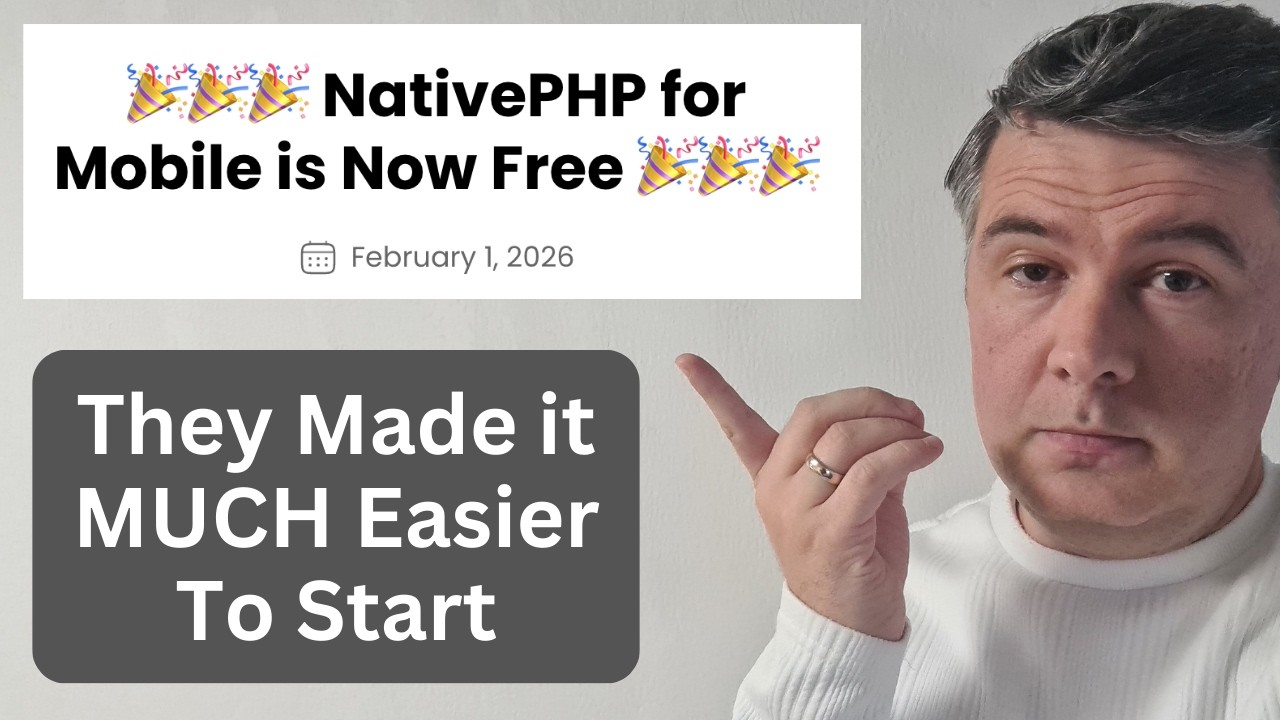
NativePHP v3: Build Mobile Apps with Laravel (App Demo)
""the new native PHP version 3 for mobile they changed the pricing structure. It used to be expensive to start or not free to start. Now it is free."" [00:04:12]
Mobile Development with Native PHP
""Native PHP is finally open source"" 01:15:42