
AI LABS
Welcome to AI Labs, your go-to source for the latest AI tools and models for coding. We explore how AI can save you time in building full-stack applications, making your development process faster and more efficient. Whether you're a beginner or an experienced developer, we help you discover the best AI tools and models tailored to your needs. Subscribe now and join us as we delve into the future of coding with AI! 🌐 Visit our Website: https://ailabs393.com/ 📞 Book a Discovery Call: https://autometa.dev/booking

Big Projects Always Fail... Anthropic Is Fixing That
The video explains how to scale AI agents for large codebases by moving beyond Rag-based retrieval to filesystem-oriented navigation, and stresses the importance of a well-maintained harness. It covers key components like claude.md, skills, plugins, LSP, and MCPs, plus sub-agents and session hooks to keep context focused and avoid bloating the main agent. Practical guidance includes structuring for large projects, distributing context via plugins and sub-agents, and continuously updating the harness as models evolve.
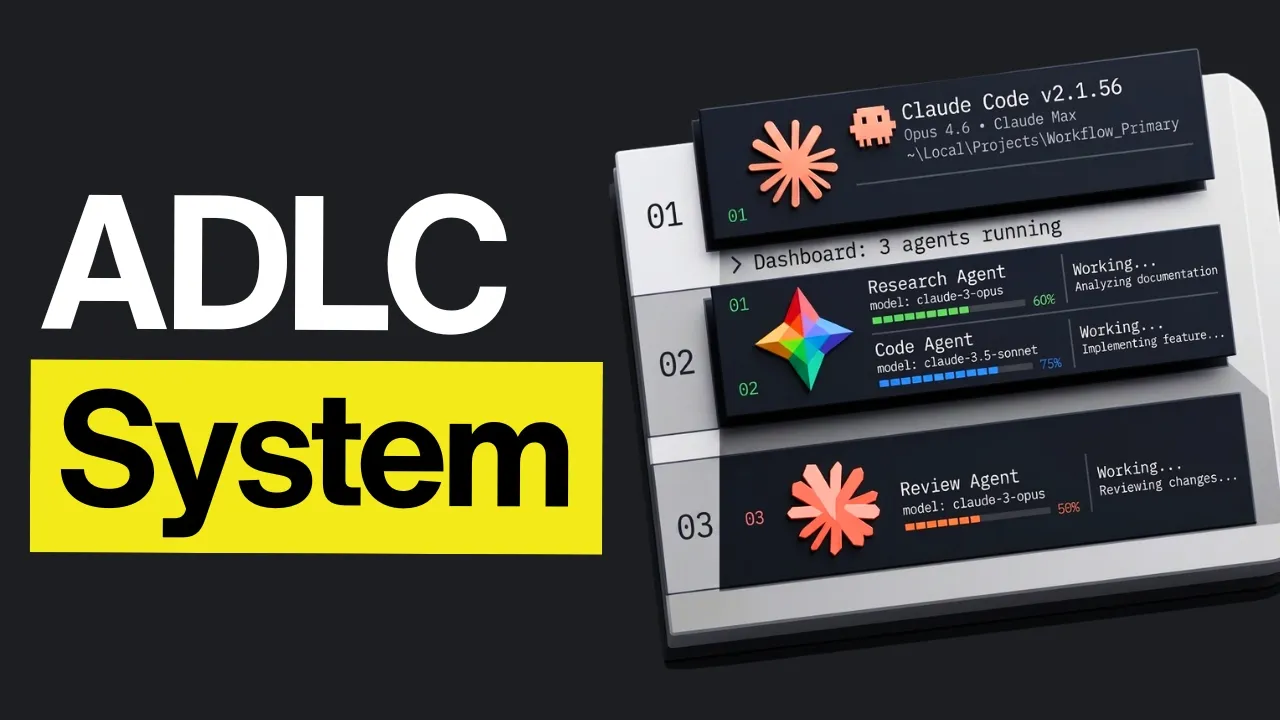
ADLC: Claude Code's New Lifecycle for AI Coding
The video explains why traditional SDLC is inadequate for agentic AI systems and introduces the Agentic Development Life Cycle (ADLC). It covers how planning, modeling, and governance differ when agents are non-deterministic, the need for continuous testing and alignment, multi-agent orchestration, and deployment as ongoing monitoring and adaptation rather than a final handoff. It also emphasizes human accountability, phased validation, and continuous improvement to keep AI systems safe, cost-effective, and responsive to real-world use.
Claude Code Just Killed Every Shopify Agency
The video walks through building a Shopify store powered by AI tools, detailing a end-to-end workflow from setting up a partner account to enabling admin API access and going live with products and payments. It covers essential tools, custom skills, design prototyping, image generation, and how to safely deploy and sync changes to a live store.
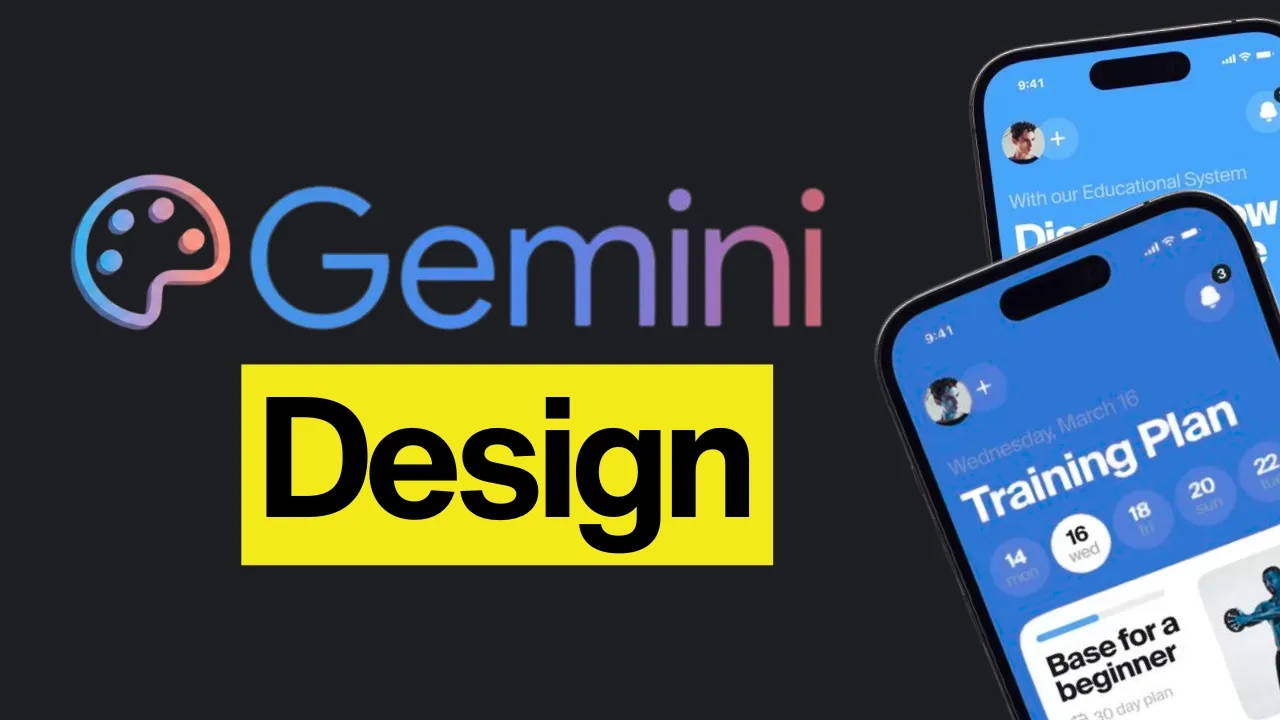
This Is Insane... The Google Stitch VS Claude Design Debate Is Finally Over
The video pits Claude Design, Google Stitch, and Gemini-powered design tools against each other across design creation, handoff, and collaboration features. It highlights Stitch’s strengths in design systems, live collaboration, voice input, and generous usage credits, while Claude Design excels in interactive design, responsive previews, and richer handoff options, with Stitch ultimately edging ahead in some areas and Claw Design leading in animation and team-oriented features. The comparison emphasizes practicality: Stitch tends to win on iteration speed and handoff flow, Claude Design offers deeper design control and integration, and Claw Design shines in animations and brand-driven design systems.
Vercel's New Claude Code Setup Fixes AI Coding's Only Problem
The video explains how security issues in AI generated code are rising and introduces Versel's Deepsee, a structured security harness that scans large codebases, batches work for efficiency, and compares its results with Claude based reviews. It also shows setup, workflow steps, and a managed Deepseex skill for end-to-end security reviews.
You Need To Change How You Use Your Claude Code Sessions
The video showcases Claude code’s versatility beyond programming, highlighting how its agent system and workflows can power daily tasks, design, research, and video generation. It covers practical setups like Claude.md for structured pipelines, second-brain uses with Obsidian, Remotion for video creation, SER API for live data, and tools like Claude Video, Canvas design, Notebook LM, and MCP to build multi-role, multi-source workflows. It emphasizes iterative prompting, verification, and role-based automation to reduce manual work and improve output quality.
It’s Broken… The Claude Code Vs Codex Debate Is Finally Over
The video pits Opus 4.7 against GPT 5.5 across usability, planning, building, debugging, memory, and agent capabilities to determine which better fits real world development workflows.
Knowing This Gives You An Unfair Advantage With Claude Code
The video outlines best practices for configuring Claude-based agents using claw.md files, emphasizing explicit, goal-driven instructions, simplicity, and scoped changes to avoid bloated and divergent behavior. It covers structuring rules by priority, using multi-file rule systems for monorepos, incorporating verification and testing (unit tests, UI tests, MCP), and enforcing permission checks and safe, reversible actions to keep development predictable and maintainable.
Claude Design Is Actually A Trap
The video argues that Claude Design is overhyped and that Claude Code offers more practical and capable design workflows, including better flexibility, lower limits, and stronger integration with real code and tools.
Anthropic Finally Fixed The 1M Context Window Problem
The video explains how a 1 million token context window can introduce context rot and other degradation in Claude, and then outlines practical strategies to prevent it, including careful compaction, explicit rewinds, structured memory preservation, and using sub agents for isolation.
8 Vibe Coded Apps That Generated Millions Overnight
The video shows how AI-enabled non-developers have built billion-dollar–potential products by combining existing tools in clever, modular workflows. It highlights real case studies (Medvy, Cal AI, Wave AI, Aura, Sleek, SideShores, Cursor-based projects) where people focused on solving real user needs, defined an ICP, iterated step-by-step with prompts, and blended AI outputs with outsourcing and smart design to scale—often with minimal or no traditional marketing.


Get daily AI recaps from
AI LABS in your inbox
Get AI-powered summaries delivered to your inbox. Save hours every week while staying fully informed.