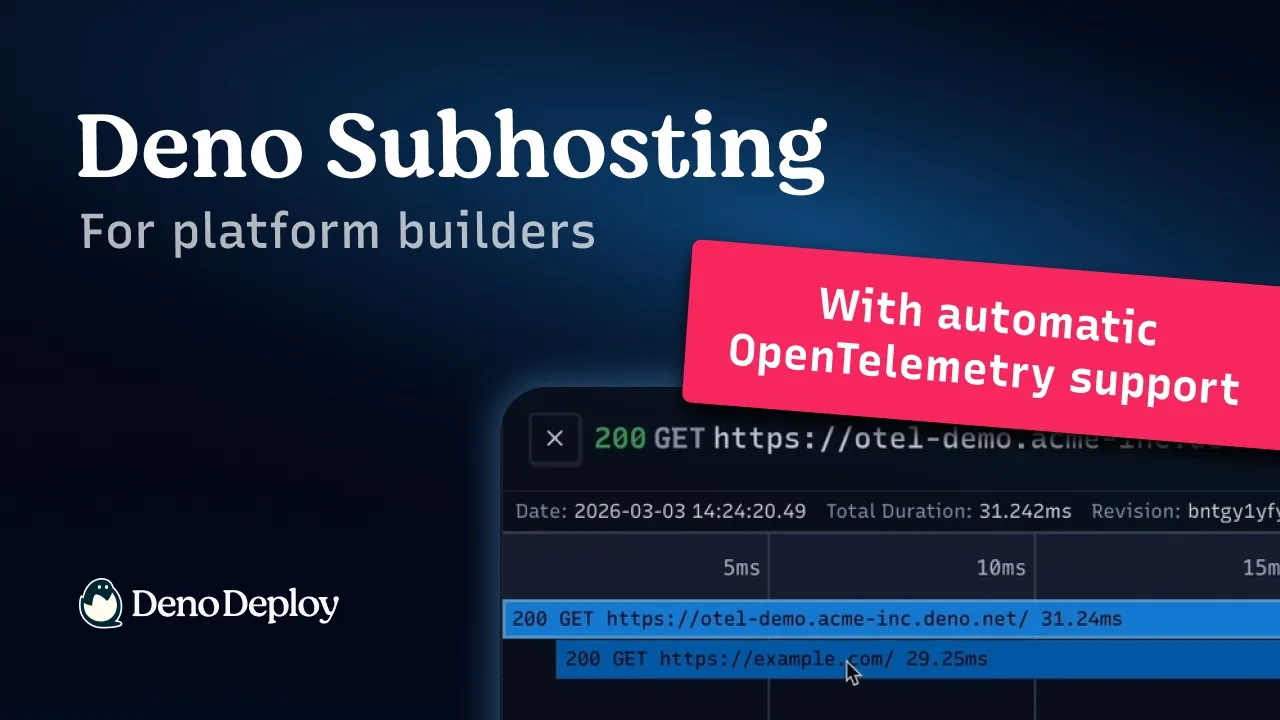
Deno Subhosting — Roll out changes across all your customers with Layers.

Chapters9
explains subhosting as deploying and hosting apps on behalf of users and the challenge of updating thousands of apps at once.
Deno Subhosting’s Layers lets you push config changes across thousands of apps with a single update, no redeploy needed.
Summary
Deno CEO or developer host walks through Subhosting and its Layers feature, showing how to manage thousands of user applications from a single control plane. The demonstration uses the Python SDK to create a shared layer and attach it to two apps, then deploys a simple main.ts to illustrate how environment values propagate. When the layer’s environment variable changes (from meow to bark), both apps reflect the update without redeploying each instance. The presenter also teases future capabilities, noting Layers will eventually support shared code files beyond environment variables. The session emphasizes the practicality of bulk configuration changes for SAS platforms and similar multi-tenant setups. Deno’s approach aims to reduce operational pain when managing large fleets of apps, while keeping the process straightforward with the SDK and Layers workflow. The talk ends with a note that shared code layers are on the roadmap, alongside the current emphasis on environment variables and file-based layers.
Key Takeaways
- Layers lets you change configuration across many applications (without redeploying each one) by applying a single update to a shared layer.
- In the demo, a layer named 'layer one' is created with an environment variable config=meow, attached to two apps (app-1 and app-2).
- Applying an update to the layer (config=bark) propagates to both apps with a single operation, avoiding per-app redeploys.
- The Python SDK is used to manage layers, apps, and revisions, including creating apps, attaching layers, and deploying code to an app.
- Layers currently support environment variables and files; shared code is planned for future support.
- The workflow demonstrates a scalable approach for multi-tenant hosting where thousands of user applications share a common configuration layer.
Who Is This For?
Essential viewing for developers and DevOps teams using Deno Subhosting who need to manage large fleets of customer apps. It’s especially relevant for SaaS platforms delivering hosted services to thousands of tenants and looking to streamline configuration changes.
Notable Quotes
"Dino subhosting is a hosting platform for platforms. So if you have a SAS or other internet infrastructure, it allows you to deploy and host applications on behalf of your users."
—Intro definition of the Subhosting concept and its purpose.
"layers allows you to change configuration across many many applications without having to go redeploy all of them."
—Core benefit of the Layers feature highlighted.
"We just need to create a layer… and I will specify some environment of this layer… and meow."
—Demonstrates creating a layer with an environment variable.
"Let's print that out. We'll just run that once. So, I do not have to run this 100,000 times or even two times."
—Shows the efficiency gain by updating the layer once for all apps.
"At the moment though, layers are just for environment variables and files will come soon."
—Notes current scope of Layers and upcoming features.
Questions This Video Answers
- How do I roll out configuration changes across thousands of subhosts in Deno Subhosting?
- What is the Layers feature in Deno Subhosting and how do I use it with the Python SDK?
- Can I propagate a single environment variable change to multiple apps without redeploying each one?
- What future capabilities are planned for Deno Layers beyond environment variables?
Deno SubhostingLayers (Deno)Dino sandboxPython SDKenvironment variablesmulti-tenant hostingSDK apps createSDK revisionsshared layersdeployment workflow
Full Transcript
Dino subhosting is a hosting platform for platforms. So if you have a SAS or other internet infrastructure, it allows you to deploy and host applications on behalf of your users. In subhosting, you're you're probably managing like many many thousands of applications on on behalf of other users. Is there anything you can do if you need to like make a change to thousands of applications all at the same time? Yeah, so that's where a feature called layers comes in. layers allows you to change configuration across many many applications without having to go redeploy all of them.
It'd be very painful if you have to redeploy a 100 thousand applications. Can you can you show me? Yeah. Um and yeah, why don't why don't we use our uh new Python SDK for interacting with this? Um let me just jump in here. I've got an empty directory here and I'll initialize a new uh Python project using UV init. And let me just UV add Dino subhosting Dino sandbox rather. Why is it called Dino Sandbox? Yeah, Dino Dino sandbox is uh is another feature in Dino deploy but the the SDK contains uh APIs for uh managing applications and revisions uh all of the subhosting APIs as well.
I see. Um so uh yeah, we need an application to play with here and I'm just going to deploy a really simple application. It's just going to print out an environment variable. Um, so let me let me uh vim up a main ts file here. And I'm going to export default. And I will give a handler that returns a response. And it's just going to print out process and config. And yeah, very simple, very simple application. Okay. Okay. And so you're going to like show us how to do a bulk update to that environment variable, I would presume.
Yeah. Yeah, exactly. So before we get there, we actually have to create our 100,000 applications. We're actually just going to create two of them here. Um, and yeah, in order to do that, I need to do from Dino sandbox import dino deploy. And I will instantiate the SDK like so. And uh yeah, we want all of our 100,000 applications to share a layer. So first let me let me create a layer. So uh SDK layers create. You give the layer a name uh uh layer one I guess I'll call it. Um and I'm going to specify some envirment of of this layer.
And I'm just going to say key is config and value is uh meow. And let me just print out the the result of that so that we know that it worked. I'll just do uv run main.py. Okay, that looks like it worked. We've got our layer now. Um let's now create some applications. And I'm going to do SDK apps create. And I'll give the app a slug. I'll call it app-1, I guess. Um, and I'm just going to specify that it has a layer attached to it. So layers is uh is layers one. Layer one here.
Uh, and yeah, again, I'll let me just print out the result of that and see if it's working. Okay, it looks like I've created my application now. And if I go into the console, I can see my app one. This is just a kind of blank state. Uh, there's no code in it yet. Um, we'll I'm going to go go ahead and do the same thing for app two. Yeah, same deal. Um, and what we're going to do now is is actually deploy some code into this application. And so what I'm going to do is read out that from disk that maints file that I've already created.
So with open main ts as f read and I'm going to do SDK revisions. to deploy um to app one and uh yeah I just need to specify the code. Um you know this this is an application that just has a single file in it but uh this you know of of course could be a more complex application that has u say a package json um has you know any any number of files has static assets within it. Um but for demo p purposes we will keep this uh simple. Okay. So I've I've now uh created a deployment within app one.
And if we go over to app one and and reload it, we see that there's a build running. And uh yeah, that build is going to complete very quickly because it didn't really have to build anything. And of course, we can serve up our our website here that says config meow. We'll do the exact same thing again for for app two. So nothing surprising there. App app one uh returns meow and app 2 returns meow. Great. So now let's again imagine that we've got many many of these things and we want to change meow to something else.
How do we do that? Well, we just uh use the layers update functionality. So, we'll do SDK layers update, and we'll specify this layer one thing. Uh, and of course, instead of meow, we're going to say uh bark. Let's let's print that out. Uh, we'll we'll just run that once. So, I do not have to run this 100,000 times or even two times. Just once is sufficient to change both of the app one and app 2 websites to return config bark instead of config meow. Nice. Is there anything else you can do with layers besides like, you know, bug changing environment variables?
Yeah. So, often platforms have themselves an SDK that they want to share amongst all of their applications. So, some some kind of shared TypeScript files. Uh we're working on support for layers to be able to have shared code between all of these applications. At the moment though, uh layers are just for environment variables and files will come soon. Nice. So, that's that's layers. Uh check it out.




Get daily recaps from
Deno
AI-powered summaries delivered to your inbox. Save hours every week while staying fully informed.