152+ | Html CSS & Javascript Animation Hover Effects & Responsive Website Design

Chapters6
The speaker or participants exchange a brief affirmative cue, setting a casual opening tone.
A practical walkthrough of 152+ HTML, CSS, and JavaScript hover effects coupled with responsive design tips you can apply today.
Summary
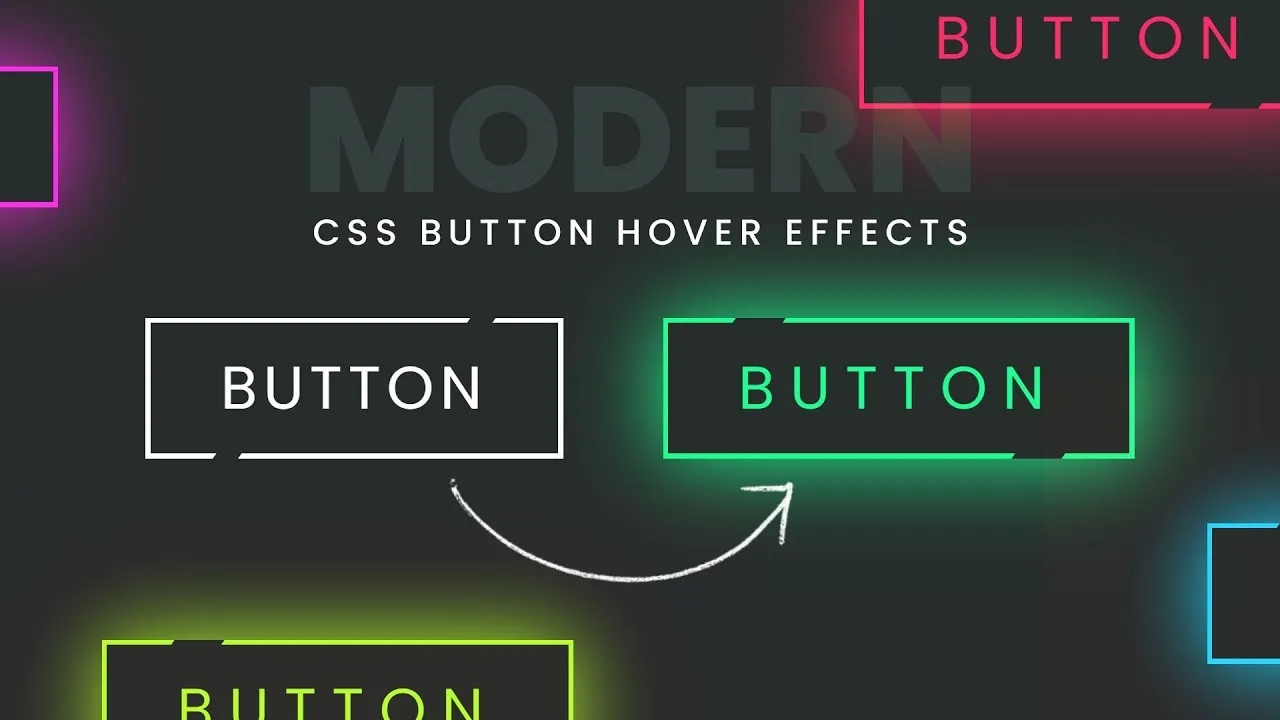
Online Tutorials delivers a concise, hands-on session focused on crafting engaging hover effects with HTML, CSS, and JavaScript, all while keeping layouts responsive. The video emphasizes how small animation tweaks—such as color shifts, motion, and subtle transforms—can elevate user interaction without sacrificing performance. Viewers are guided through real-world examples that demonstrate layering effects on buttons, cards, and navigation elements. The presenter shows how to structure CSS for hover states, implement transitions, and use simple JavaScript to enhance accessibility and interactivity. Throughout, the emphasis remains on responsive behavior, ensuring hover effects adapt gracefully across devices. With a practical, code-first approach, the session aims to help developers build polished, interactive interfaces without heavy frameworks. If you’re looking to spice up a portfolio site or a small business page, the tutorial provides ready-to-implement patterns and a clear path from concept to live styling. The host wraps up with quick tips for debugging animation performance and keeping hover effects accessible and inclusive.
Key Takeaways
- CSS hover transitions using transform, rotate, and opacity create smooth, responsive interactions on buttons and cards.
- Effective hover effects rely on well-structured CSS: define base styles, then override with :hover and focus-visible states for accessibility.
- JavaScript can enhance hover by toggling classes or coordinating with CSS variables to maintain performance.
- Responsive design considerations ensure hover effects adapt across devices by using media queries and fluid sizing.
- Performance-minded animation tips include limiting layout thrash and preferring composited properties like transform and opacity.
- Practical patterns demonstrated cover interactive nav menus and card hover reveals that improve user engagement.
- Accessibility tips emphasize keyboard and screen reader compatibility when implementing hover-based UI cues.
Who Is This For?
This is essential viewing for front-end developers and designers who want practical, copy-ready hover effects and responsive patterns for real-world websites.
Notable Quotes
""
—
""
—
""
—
Questions This Video Answers
- How do I create hover effects with CSS that still work on touch devices?
- What are the best practices for responsive hover animations in 2024?
- How can JavaScript improve CSS hover states without harming performance?
- Which CSS properties are most suitable for smooth hover transitions?
- How do I ensure hover interactions are accessible with keyboard and screen readers?
HTMLCSS AnimationsCSS Hover EffectsJavaScript Hover EnhancementsResponsive Website DesignCSS FlexboxMedia Queries
Full Transcript
mm-hmm [Music] foreign thank you [Applause] stop
More from Online Tutorials

Get daily recaps from
Online Tutorials
AI-powered summaries delivered to your inbox. Save hours every week while staying fully informed.