New Displays that FEEL Better...

Chapters9
Introduction to the MatePad 11.5S and MatePad Pro Matte Edition and their key trait of a paper-like matte display.
Huawei’s new MatePad duo blends matte, glare-free displays with modular keyboards and a premium pen experience for both tablet-centric and laptop-like use.
Summary
Unbox Therapy’s hands-on with Huawei’s MatePad lineup introduces the MatePad 11.5S and MatePad Pro Matte Edition. Matthew showcases the matte, glare-free display so you can see how it reduces reflections, especially under strong office lights. The 11.5-inch model emphasizes a tablet-first experience with a modular keyboard that folds away neatly and keeps weight down. The 12.2-inch Pro Matte Edition leans toward laptop replacement with a more expansive keyboard, a glass trackpad, and a pen stored in a dedicated slot. Huawei ships with microfiber cloths and a 40-watt charger, highlighting attention to finish and portability. The M Pencil Pro remains a centerpiece, featuring interchangeable tips and a textured writing surface that simulates paper. Across both devices, matte textures and thoughtful hinge designs aim to minimize fatigue and maximize productivity for sketching, note-taking, and light browsing in bright environments. In the end, Matthew weighs the two as complements rather than replacements: the 12.2" model for serious productivity and the 11.5" for portable, art-friendly use. This is a strong statement from Huawei about blending creativity with everyday versatility.
Key Takeaways
- The MatePad Pro Matte Edition uses a paper-like texture on the display to reduce glare and reflections, improving readability in bright environments.
- The 12.2-inch MatePad Pro Matte Edition provides a larger, laptop-like experience with a glass trackpad and a bigger keyboard, making it more capable as a productivity device.
- The MatePad 11.5S emphasizes a modular, tablet-first approach with a two-part keyboard that folds and detaches easily for lighter use.
- Huawei includes a microfiber polishing cloth and a 40-watt charger with both models, signaling a premium, ready-to-use package out of the box.
- The M Pencil Pro offers interchangeable tips and a textured writing feel, designed to emulate traditional drawing with visible brush and texture dynamics.
- The two devices are positioned as complementary: the 12.2" model for workstation-level tasks and the 11.5" for portable, art-leaning work.
Who Is This For?
Essential viewing for designers, students, and professionals who want a glare-free, pen-enabled tablet ecosystem with flexible keyboard options and a premium build. Great for artists deciding between a lighter tablet and a laptop-style productivity device.
Notable Quotes
""This is the one that has that texture on the display, so it feels more like paper.""
—Describes the matte texture that defines the Pro Matte Edition's display experience.
""the glare just disappears. It's there. you can see like there's the light, but compared to a glossy display, it's not even close""
—Emphasizes the anti-glare advantage of the matte display in bright environments.
""This is almost more like a laptop style hinge on the back""
—Highlights the Pro Matte Edition’s keyboard housing and hinge design.
""The pen is secure and in place and it's covered completely front and back""
—Notes the thoughtful pen storage design in the keyboard case.
""When you fold it down, that's how slim everything gets""
—Describes the compactness and portability of the tablet/keyboard setup.
Questions This Video Answers
- How does Huawei MatePad Pro Matte Edition's glare-free display compare to traditional tablet screens?
- What makes the M Pencil Pro different from other Huawei styluses on the market?
- Is the 12.2-inch MatePad Pro Matte Edition a better laptop replacement than a traditional laptop for productivity?
- What accessories come in the Huawei MatePad Pro Matte Edition package?
- Can the MatePad 11.5S function well for both drawing and note-taking in bright office lighting?
Huawei MatePad 11.5SHuawei MatePad Pro Matte EditionM Pencil Proglare-free displaymatte displaykeyboard with trackpadtablet-to-laptop hybridmicrofiber cloth100W chargerprofessional drawing tablet
Full Transcript
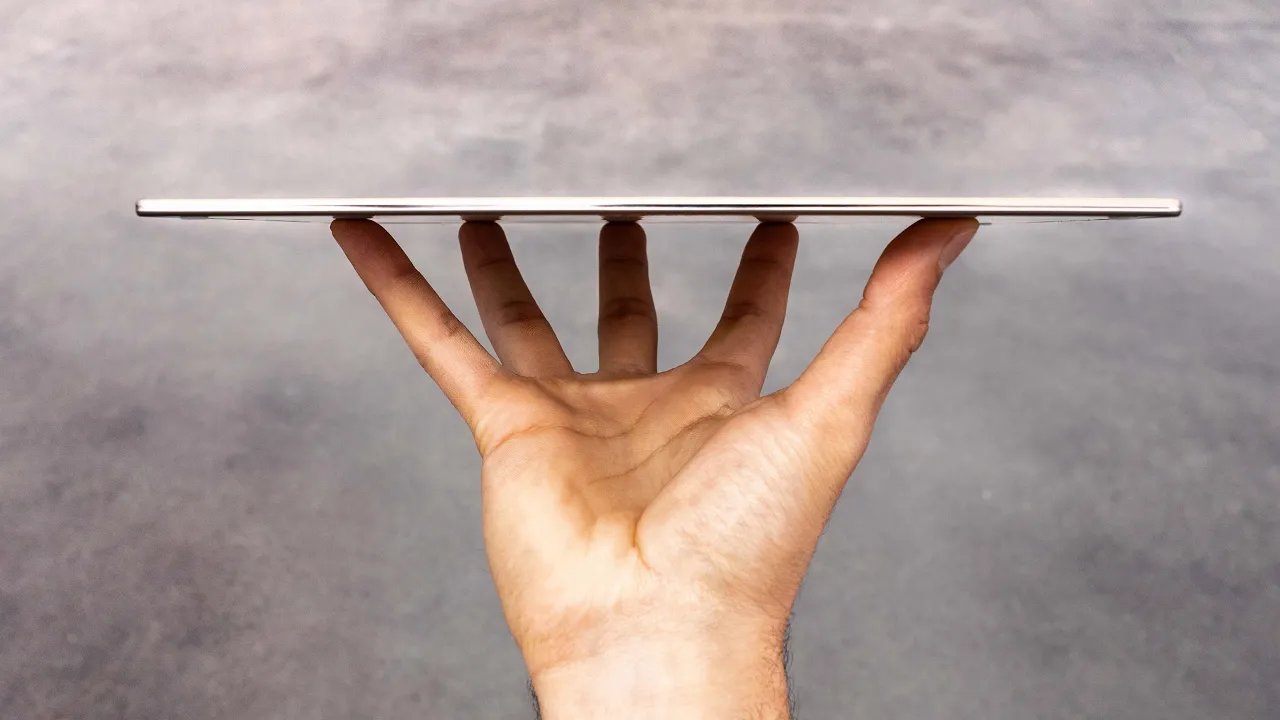
Couple new devices from Huawei. We have the Matead 11.5S and the MatePad Pro Matte Edition. This is the one that has that texture on the display, so it feels more like paper. We're basically getting two sizes here. The 11.5 and this one is 12.2 in. Let's go ahead and take a look at the little one first. I mean, it's not really that little at 11.5. So, this one has this green tone to it. Kind of nice. extremely thin, large speaker grills on both sides and a type-C port. Here we have our 13 megapixel camera, volume, a microphone array, power switch in the top right, and look at that paper matte display.
I mean, you can tell how much less reflective it is before I even turn it on or begin to use it. For me, I find it to be a little bit less fatiguing, the matte finish, and I'm glad the matte finish is making a comeback. They also include a microfiber polishing cloth, 40 watt charger. There is the tablet. Let's check out the smart magnetic keyboard. So, this one has like a leatherish texture to it. Three pogo style magnetic connector. You have this flat portion. You fold it out, clicks into this magnetic piece. Because the keyboard is so low profile and the deck is so shallow, there's like no flex.
whatsoever here. This is solid. Now, obviously certain keys need to shrink because the whole thing is so compact. Escape key up here. Obviously, your direction keys over here. We have some multimedia keys. Got our volume there. When you fold it down, that's how slim everything gets. We can also just remove the keyboard portion completely. So, if you want to save weight, but still have a little bit of protection and your stand, you can do it like that. Here's your first look at the display. Again, the glare just disappears. It's there. you can see like there's the light, but compared to a glossy display, it's not even close.
So, if you use this thing in any kind of sunlit environment where you're competing with glare and then same goes for like late night when you have artificial lights, maybe lamps and things like that that reflect. So, let's move on to the Mate Pad Promat Edition. And this is a 12.2 in tablet. Same color. Actually, this one looks to have a dual camera instead of a single AI dual camera. This is a tiny landscape front-facing camera. You get a slightly different green tone and then a slightly different material in use. We've got large cutouts once again for our speakers, type-C volume, power switch here is recess.
We're also going to get a microfiber polishing cloth. And this one, it looks like comes with the keyboard case. And it's a totally different keyboard case. Feels almost like a laptop. So, this one is softer. It has almost a laptop style hinge on the back. and it has a space for your pen to live. Place the stylus in the slot. Place the Huawei logo facing upward and the groove facing downward. Before we get there, let's just see how this one fits in. Oh, wow. What's cool about this one, it doesn't even there's no pins. It kind of just grabs the right spot.
And look, there's two little lines which indicate where the magnets are. So, we can go line number one for angle number one and line number two for angle number two. And the keyboard here obviously grows as well. The biggest difference here is that it moves up because we get a trackpad on this unit. This is a glass trackpad. I can tell right away. So even though the width is not all that different, the keys themselves are bigger here. Bigger enter. Escape stays roughly the same. Buttons along the bottom get a little bit bigger because of this hinge design.
It's a very stable kind of setup. I mean, there's very little wobble to that much bigger power brick. And that's interesting. Type-C or type A connector kind of shared connector. This one's 100 watts. Type-C cable also in there. The pen is a key part of this experience. The M Pencil Pro. I I called it a pen. Mo says it's already attached. Let's see. Ooh, that is a nice spot. See what's smart about this spot? It's not going to pop off the side. Instead here, look what happens if we go into the fully closed format. Where's the pen?
Where is the pen? You don't see the pen. The pen is secure and in place and it's covered completely front and back. And if we go ahead and open the whole thing up, you still don't see the pen. The pen is still quietly housed until you need it, in which case you just pop it out like that. And so it's two different approaches. In this case, we have a two-step system, a more modular situation with the keyboard case. Here, this is almost more like a laptop replacement with a spot to store the pen, even if you look at the hinge design on the back.
But the key characteristic for both of them is this display technology which to me it's a very pleasing kind of experience because we end up with this like glarefree kind of thing. And this is in an environment where we have strong overhead lights and you can see look there you find the light on this one angle. You can see where the reflection but it's nowhere near as straining or ugly as when you have a glossy display. And the same is true for fingerprints and smudges. I mean, that stuff happens. You're meant to touch these things, these tablets.
Look at this. Now, in full brightness, and it looks even better. We need brighter displays to make this finish more acceptable, and that's what we're getting here. It's kind of hard for you to get the full impression where you are, but I've looked at so many devices in this environment, and obviously when you've got a glossy display, you're used to having reflections to work with and to have to maneuver around. And we don't have any of that here. Very subtle reflection. We've also got a click on the top of the pen. And if you're wondering about the shape, it does have a flat edge.
And I keep calling it a pen. It is a pencil. And the flat edge also kind of reminds you of the pencilness of it. The tips are interchangeable. They will grind down a little bit, but they're meant to give you that full texture experience. It looks like we actually have the pen tip. It almost looks like a ballpoint pen tip installed. The sketching tip is over here. And I'm just going to install that. Let's skip the introductions. We know about brushes. Look at the comprehensiveness of the br oil paint, watercolor, painting, sketching, line art. Are you kidding me?
Let's see if I can do sketching. Here we go. This is the pencil factor. And I don't know if you guys can hear this, but I'm going to need you to hear this real quick. What you're going to notice is that is not that squeaky kind of experience that you might have on a glossy display. It has a little grit to it. I need to get some color going on this. Ooh, thick brush. Cloth brush. Look at that. You can see it on top of the canvas. Oh, look it. See how when I change my direction, if I go up and down, it kind of changes the way it grips the texture of that canvas.
You know, when you're Bob Ross in it, I'm talking about this is a satisfying experience. Now, art is part of it. like the creativity, the ability to sketch, draw, handwrite, that's part of it, but it's also a productivity device. I mean, you see you've got a laptop like interface. So, this is an example of how you can use a voice recorder inside of the notes app to you can see that the note is identified by this marker. Something new. So, I'm just adding to my previous recording, except this time I'm going to draw something. 2 * 2 = 4.
And it should be synced up. It's pretty cool with that. That's cool. You're in a rush. You pop it open. Black screen locked device. Double tap straight into a new note. Handwriting to text. There we go. Now I've got a glass trackpad and I'm just navigating like this. There's a click. Pretty satisfying. It's not haptic. It's an actual click. Let's get some typing in here. Not bad. Not bad for what it is. Let's get a little test of these speakers as well. Different. It might have a little more low end. This one's a little bit more in the mid-range.
Having them side by side. That's maxed out. That's dynamic. Yes. Yes. Yes. I mean, you guys, I don't know. I hopefully you guys can see this, but like I choose the bigger one. When you put them side by side, I mean, either individually, you're like, "Oh, that's pretty cool." Especially with the anti-glare going on and that beautiful finish there. But this one, it takes it to another level. So, the way this really feels to me is like the bigger one, the 12, is more of a laptop replacement. If you're into productivity and you really want to use it instead of having a laptop at all, which it also happens to be a touchscreen display and a tablet when you want it to be, like that's where this one really feels like it would shine.
And then the 11.5 model, especially with the modular design of the keyboard case where you can split it in two like this and still have your case and still have your kickstand. This one is tablet first and then laptop second. That's kind of how I would describe it. This is how all my art always looks. It's always the same.
More from Unbox Therapy
Get daily recaps from
Unbox Therapy
AI-powered summaries delivered to your inbox. Save hours every week while staying fully informed.