Figma MCP server
4 videos across 2 channels
Figma MCP servers bridge design with external tooling, letting Copilot connect to services like GitHub and translate code tokens into live design or extract design data for code-driven workflows. The videos show setting up and authenticating a Figma MCP server, querying design data, and using AI-assisted workflows to generate, evolve, or inspect UI layouts within Figma. This approach highlights a shift toward code-to-design and design-to-code automation that accelerates UI exploration and implementation.

Copilot CLI Tutorial #8 - MCP Servers
The video explains what MCP servers are and how Copilot can connect to external services via MCP servers, then demonstra

Claude Code + Nano Banana 2 is SICK!
The video documents building an AI powered landscaping app during an active course, focusing on UI evolution, AI driven
I spend less time in Figma. Here's how
The video demonstrates using AI to generate multiple UI layout variations from an existing Figma design, then selects an
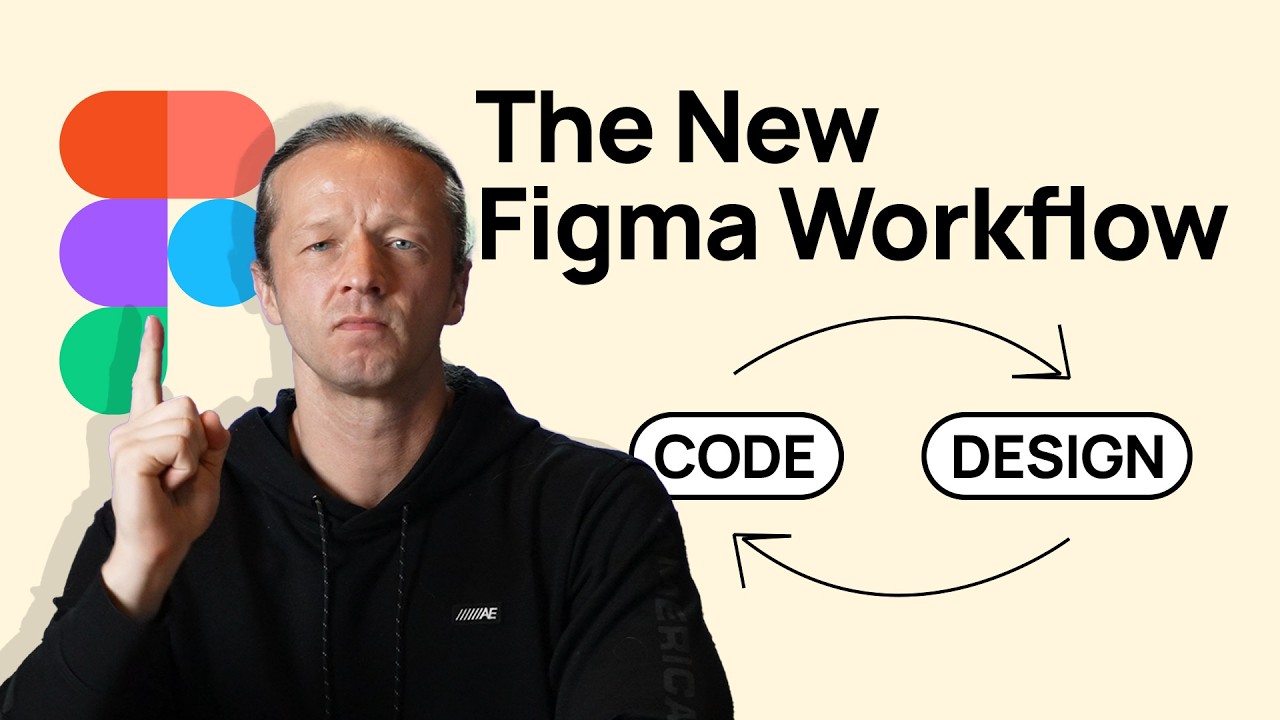
The New Figma Workflow - Code to Design & Vice Versa
The video demonstrates how to set up and use a Figma MCP server to automatically translate design tokens and variables f