I Was Sleeping on Cloudflare Images

Chapters10
Discusses how Cloudflare Images can simplify scalable image pipelines for marketplaces and social sites, noting that it may be overkill for simple blogs but shines with user uploads.
Cloudflare Images simplifies image delivery with a single upload and a URL-driven set of variants, eliminating complex pipelines and signed URLs.
Summary
Cloudflare Developers' video lets you see how Cloudflare Images can simplify a painful image pipeline. The host contrasts the old approach—uploads to a server, storage in R2 or S3, custom processing with sharp or ImageMagick, and manual caching plus content negotiation—with a streamlined alternative: one upload, one URL, and automatic variant generation. He demonstrates how typical variants like thumbnail, classic, and hero appear as simple URL paths (/thumbnail, /classic, /hero) and are stored with a straightforward image ID. The demo shows flexible variants enabling on-the-fly transformations (background removal, face-centric crops, and format changes such as WebP), all driven by URL parameters. He highlights real benefits: no manual token management, no complex signed URL logic, and automatic delivery improvements without managing a heavy pipeline. He also notes potential caveats, such as the need to handle warnings when enabling flexible variants. Throughout, the emphasis is on reduced infrastructure, faster iteration, and significantly smaller final image sizes. Cloudflare Images is pitched as a modern, out-of-the-box solution for apps with user-uploaded images that scale, like marketplaces or social platforms. By the end, the host claims he’s “sleeping on” nothing, having moved from traditional workflows to a single URL-based image strategy that powers all required variants automatically.
Key Takeaways
- Uploading a massive 5 MB image directly to your app forces you to process, validate, and store multiple variants before serving them, adding complexity and cost.
- Cloudflare Images replaces the traditional pipeline with two core concepts: an upload and a URL, eliminating separate storage, processing, and CDN orchestration steps.
- Variants such as /thumbnail, /classic, and /hero are generated on demand from a single image ID, simplifying how you reference resized or cropped images.
- Flexible variants enable dynamic URL-based transforms (e.g., foreground/background removal, WebP output, and quality adjustments) without custom server logic.
- Background removal and face-centered crops can be achieved via URL parameters (e.g., gravity=face, segment=foreground) with instant rendered results.
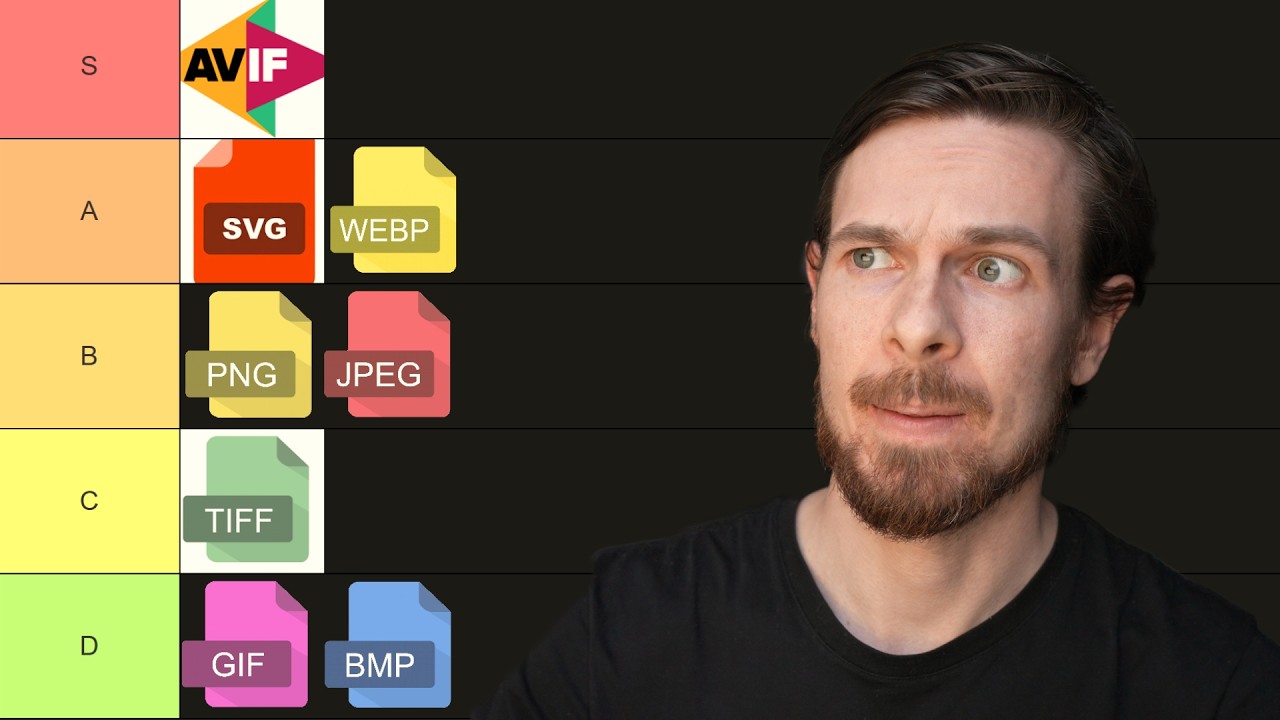
- Using formats like WebP reduces bandwidth, and the platform handles format negotiation automatically, removing the need for manual header parsing.
- Cloudflare Images eliminates manual token management and signed URL maintenance, since the pipeline and variants are managed out of the box.
Who Is This For?
Essential viewing for developers building apps with user-uploaded imagery—especially marketplaces, e-commerce, and social platforms—who want to simplify image handling and reduce infrastructure maintenance by shifting to a URL-driven variant model.
Notable Quotes
"I've been sleeping on Cloudflare Images. And if you've been building websites like marketplaces, e-commerce stores, and social media, you've probably been sleeping on it, too."
—Opening line establishing the main value proposition for scale-heavy sites.
"Cloudflare Images takes that whole diagram and turns it into two things I actually want to think about. An upload and a URL."
—Core thesis of the video: simplify to two primitives.
"With just a simple URL, I'm able to manipulate the images anyway I want, right? I just added a URL parameter with segment equals foreground."
—Demonstrating flexible variant manipulation via URL parameters.
"So if I copy this image URL now, and I open it in a new tab, this is the glasses without a background."
—Concrete example of background removal in action.
"All I did was add a URL parameter with segment equals foreground. Very freaking cool."
—Emphasizing the ease of achieving complex edits via URL.
Questions This Video Answers
- How does Cloudflare Images replace traditional image pipelines for e-commerce sites?
- Can I generate image variants like thumbnail, classic, and hero with Cloudflare Images without writing custom code?
- What are flexible variants in Cloudflare Images and how do I use them safely?
- How does Cloudflare Images handle WebP and other modern formats for bandwidth savings?
- Do I still need signed URLs or tokens when using Cloudflare Images for image delivery?
Cloudflare Imagesimage optimizationvariant URLsWebPAVIFflexible variantscontent negotiationCDN optimizationimage processing pipelines
Full Transcript
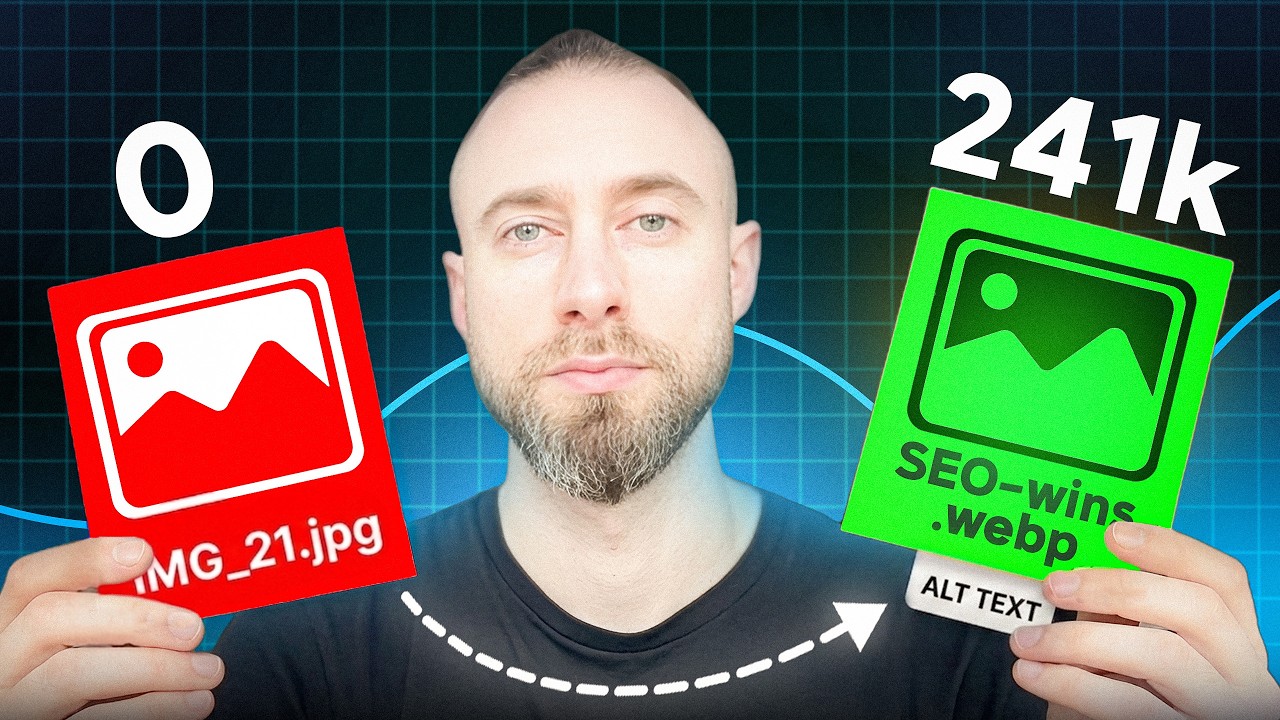
[snorts] I've been sleeping on Cloudflare Images. And if you've been building websites like marketplaces, e-commerce stores, and social media, you've probably been sleeping on it, too. Now look, if you're just building a simple blog, you probably don't need this. Standard static images are fine. But once you're dealing with user uploads at scale, [music] the image pipeline gets pretty complicated fast. Let me show you how it usually goes. A user uploads a massive 5 MB image directly into your app. Well, the first problem is that that massive file is flowing right through your server. You're parsing multi-form part data, maybe writing custom validation logic, and then enforcing size [music] limits.
But fine. You successfully uploaded the raw file to an R2 or S3 bucket. [music] That means you're done, right? No. No, because that raw original image is massive, we both know you can't serve that 4K image on a mobile device. Right? So, now you're building a [music] custom image processing pipeline. You spin up sharp or image magic, [music] and hopefully a background queue, and then you manually generate a thumbnail or a square for the product page, and maybe a wide hero banner for the main page. Woo. So, and now you need to store all those variants back into your bucket.
And of course, then you need to put a CDN in front of it, which means you have to write custom caching validation logic. Oh, and if you want to serve modern formats like WebP or AVIF to save bandwidth, well, you can only serve those to modern browsers. So, now you're writing header parsing middleware for content negotiation. It sounds like a lot of fun, right? Right? Right? No. Cloudflare Images takes that whole diagram and turns it into two things I actually want to think about. [music] An upload and a URL. Now, let me show you the demo store I built using Cloudflare Images.
So, I'll select an image here, and I'll go for this cool sunglasses photo I took earlier. It can't preview it because it's an Apple image, but Cloudinary Images will take care of this. The caption will be cool sunglasses, and we'll sell them for 19.99. Upload to Cloudinary. And boom, here immediately we see that the sunglasses have been rendered in a 200 by 200 thumbnail. That's only 2.3 kilobytes. Now, you could build your own pre-signed URL with traditional storage buckets, but it forces you to manage token expirations, sign requests manually, and we just handle all of that out of the box.
Plus, it immediately converted this image. We have this image here. Cool. If I click on it, though, you can see here that it immediately generated these variants, /thumbnail, /classic, and /hero. And each of these is just a URL, thumbnail, classic, hero. Now, these are what we call variants. If I go to the images dashboard, here you can see that image. And when I click on delivery, you'll see that I have a few variants set. Classic, that's the 800 by 800 thumbnail. Hero, that's that wide banner. And thumbnail, that's the 200 by 200. And if I see each of them, they're just the width, height, auto fit, if there's any blur, and a watermark.
Mark. Therefore, with just a simple URL change, you can render these. Pretty cool. Always stored in the database is the image ID, which is this thing over here. Remember that content negotiation step? Gone. It's just auto. Cloudinary Images take care of this. That's cool, but there's more, of course. I have these named variants. If I turn on flexible variants, first this is not going to work. This is a a custom URL where I say the width and the height and the fit and the quality, right? So, I I pass a custom custom properties here. So, it will fail to load because I haven't turned on flexible images yet, flexible variants.
So, as soon as I turn this on, you'll see that it will warn you that anyone can obtain untransformed full resolution images and their metadata. Right, that's a warning. I don't really care about this, so I'm going to enable it. Okay, so now that this is enabled, if I go back to my super images and refresh, and I go to flexible, now you see that this works. But I can do a bunch of cool stuff. So first, let's say we want the classic 800 by 800, and let's just remove the background. Now you'll see I cannot choose JPEG anymore because JPEG doesn't have an alpha channel, right?
The WebP and PNG do, so I'll do WebP and maybe a quality of 85, that's fine. Now, see what happens when I click transform. See how this URL updated? And immediately the background was removed. That's pretty sick in my book, right? So if I copy this image URL now, and I open it in a new tab, this is the the glasses without a background. See? This is crazy. All I did was add a URL parameter with segment equals foreground. Very freaking cool. What about pictures with faces, right? Also, something we do. So if I go back to products, and I'm [snorts] going to upload another product here, and this project will be me.
See, another HEIC file cuz I Airdropped this to myself. So I'll open it here, and I'll say chill guy, and it will be 1969. Upload to Cloudflare. Immediately here, we have our image. The 200 by 200 is not very clear, but if we click on it, the hero is pretty cool, and the classic is fine, too. Now, what if I want to center my face? How would you even do that traditionally? I don't even know, to be honest with you. But I know that Cloudflare Images supports it. So if I go to flexible, let's go back to hero because I like the hero.
Instead of removing the background, I want to face center crop with a zoom amount. I'll try zooming 0.2 and transform. Look at that. Crazy. With just a URL, I have a a zoomed hero now. My hair's kind of wacky there, but you get the point across. So, with just just this URL, I'm able to manipulate the images anyway I want, right? I just added gravity equals face. Now, if I wanted to turn it into a WebP, that all I do is format WebP. Boom. Now, it's a much smaller WebP file. Isn't that amazing? Think about how much you would normally pay a third-party API to do background removal at this scale or or handle smart crops on faces like I did here.
Here, it's literally a URL parameter. Okay, so let's recap. There's no storage buckets to manage, right? There is no resizing or any complicated pipelines, no complex signed URLs, and no format [music] negotiation. It's just this Uh well, that sounded like ChatGPT, but it isn't. You just upload this file once, and every single variant of your application will only need a single URL. That's pretty sick. And this is kind of why I was sleeping on this, and I'm not anymore. I used to just upload an image to R2 and then resize it to one or two different variants, but I'm now I'm totally Cloudflare Images pilled.
I'll upload the code here to GitHub. I'll add the repository in the description, in the comments, or wherever. And yeah, thanks for watching. I hope this is useful to you, and see you next time.
More from Cloudflare Developers









Get daily recaps from
Cloudflare Developers
AI-powered summaries delivered to your inbox. Save hours every week while staying fully informed.