Scraping this NUXT site - API and Bearer found?

Chapters6
The creator uses the browser dev tools to inspect the network and identifies an API/V4 vehicle search endpoint that returns the data of interest.
A practical walkthrough of extracting a bearer token from a Nuxt-based site to access a hidden API, all demonstrated with a reusable Python-like approach.
Summary
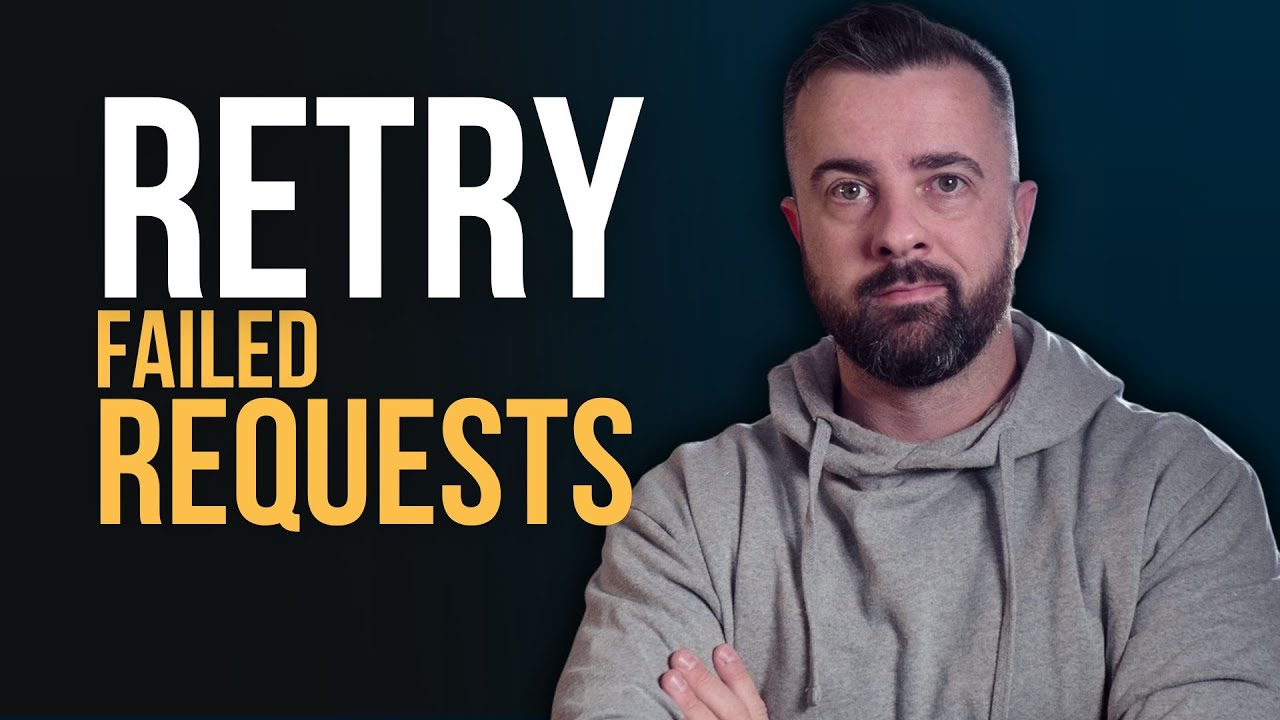
John Watson Rooney breaks down a hands-on method to scrape a Nuxt-powered site by uncovering a hidden API endpoint (API/V4 vehicle search) and a persistent bearer token. Starting from the browser’s network panel, he identifies the POST request and notes the crucial Authorization: Bearer header. He then digs into the page’s JSON data to surface a refresh token, discovers it’s JWT-based (JWT with RS256), and demonstrates decoding and extracting the bearer token for subsequent API calls. The tutorial emphasizes that cookies aren’t necessary once the Bearer token is extracted, and shows how to build a small session-based script that fetches a new token per run and iterates through all pages of results (roughly 6,300 results at 100 per page in the example). Rooney also reveals a practical trick: the refresh token is embedded in the page’s serialized JSON data and can be converted into a usable bearer token, enabling seamless POST requests to the API. The final workflow ties the token extraction, session headers, and pagination logic into a compact loop that saves all results to JSON. He notes this can be done in about five minutes once you know where to look, and suggests that for heavier scraping you’d add proxies. Overall, the video blends browser inspection, JSON handling, and tiny bit of crypto insight to turn a blocked API into an accessible data source.
Key Takeaways
- Inspecting XHR requests in the browser revealed the API/V4 vehicle search endpoint that returns total pages, total results, and vehicle data.
- The Authorization header with a Bearer token is the key to accessing the API, making cookies largely unnecessary for the request.
- The refresh token is present in the Next.js/JSON data payload and is Base64-encoded JWT (RS256); decoding it provides a usable bearer token.
- A small, repeatable script can automate token extraction and the subsequent POST requests, enabling pagination through all results.
- Rooney’s approach works without proxies for smaller runs (roughly 6,300 results across ~60 pages at 100 results per page).
Who Is This For?
Essential viewing for developers scraping modern JS apps (especially Nuxt/Next.js pages) who need to understand how to extract a bearer token from page data and automate API requests without heavy anti-bot defenses.
Notable Quotes
"So, this is a post request. So we just need to bear that in mind and also b there is this authorization header with a bearer token."
—Highlighting the critical header that enables API access.
"This is standard and it shows you know that this is going to be consistent every time which means I have a string that I can search for within this JSON to pass everything out."
—Identifying a stable token pattern in the JSON data.
"I took it up to the point at a dot here. And I thought it's interesting that this looks very similar."
—Describing the moment of decoding a Base64/JWT-like token from the data.
"We can see by looking at this that this is actually B 64 decoded. So what I did is I took it up to the point at a dot here."
—Explaining the Base64/JWT decoding step to extract the bearer token.
"This is going to do everything that our last code did. We're going to get a new bearer token. We're going to attach it to our session and we're going to be able to make those API requests with that there."
—Summarizing the end-to-end automation loop.
Questions This Video Answers
- How do I find and reuse a bearer token from a Nuxt/Next.js app for API requests?
- Can I extract a JWT-based token from a site's JSON data to access its API securely?
- What steps are involved in scraping a dynamic JavaScript site with an internal API using browser dev tools?
- Is it possible to automate token generation and pagination for large API result sets without proxies?
- How can I identify the API endpoint used by a Nuxt site (like API/V4 vehicle search) from the network panel?
Full Transcript
So, I want to show you how I scraped this site. And if you followed me for a while, you'll probably know what I'm going to do next. I'm of course going to open up the dev tools and have a look at the network request. But there's one extra step within this which I think you might find interesting or at least I did that I want to show you because if you don't know, you could spend ages. But if you do know, the whole thing can be done in about 5 minutes. So, this is a pretty standard, you know, kind of JavaScript loaded site.
It looks exactly like you would expect it to. So, we're going to hit inspect. We're going to go network and I'm just going to start scrolling down and then hit next. Now within this I'm going to go XHR and have a quick look through the URLs. And if this would expand just a little bit, we'll see that one of these ones down here is API/V4 vehicle search used which looks like exactly what we are after. If I open this up, I can look the preview of the response and I can actually see we have total pages, total results and vehicle information.
This is what we want. So, we want to find a way that we can actually access this and go through it. So, the next thing that I did was I looked through the cookies that I had here. And we can see none of these to me screamed anything uh like uh antiman or antibot protection. So, there was no like cloudflare or anything like that. So now I was going just going to proceed as normal and then deal with any that came up which it didn't. But what we have if we look at the network headers is a this is a post request.
So we just need to bear that in mind and also b there is this authorization header with a bearer token. There's also all these cookies which I just showed you but they don't really mean anything when there is an authorization header. So we need to work out how we generate that. So first thing I did was look through all the other requests and responses to try and see you know what was going on and if it meant like I could request something else first to get it. Um after that wasn't so fruitful. The next thing that I did was just look in the source.
And what we have here is this is all the JSON data that you find within an application like this. So if I search for quite often this a next app or in this case it's next we have all of this information and if you do something like next uh data there it is you can see in the middle of the screen this is where we're going to find all of the JSON information which I believe is used to hydrate the page. Now when I saw this initially I thought okay cool maybe this will have all the car information but to me that didn't make sense because I'd already found that API request.
So what I did is I started to poke around in this JSON data. I actually took it all out and put it into a JSON parser. And uh I can show you that now if I can just copy out. There's quite a lot of it. Um we'll have a look at it together. We grab this and then go to something like this one will do and paste this in here. When we look through this, we can see, you know, this is kind of standard type information. Uh, and I keep going, keep going, and there's all sorts of different stuff in here.
But most importantly, what I looked for and what I found was something called this, which was a not what I was looking refresh token. Now, this was interesting to me, and you can actually see this on the page as well. So, if we There's a lot of information. My browser is not happy with it. Refresh token here. Now, this is interesting. So this is just loaded into the page whenever I loaded this page up. So you know I tried it with different IPs and different browsers and you know I just got a consistent looking token.
So what I wanted to do was pass this data here and get that token and then see if that would work by to generate that and use it in the post request to the API. Now it did. But when I show you this here there's no real easy obvious way to pass this information out. And at this time I was working under the assumption that this was going to be very unique and different every time. However, we can see by looking at this that this is actually B 64 encoded. So what I did is I took it up to the point at a dot here.
And I thought it's interesting that this looks very similar. Every time I was generating the page, I had something that looked to my eyes very similar to this. And I in fact it was. So this is standard and it shows you know that this is a JWTJSON web token with this RS256 encryption. And if I just say is this this is encryption. We can see yeah it's an RSA signature with a SH 256 thing. It's commonly used in JWTs. So this says to me that this is going to be consistent every time which means I have a string that I can search for within this JSON to pass everything out.
So from here it was a pretty simple case of let's try and see what works. So I put it into so I put it into to Bruno and this is an old request which is why this doesn't this is not working and I removed you know I checked out the body the post the JSON body that's getting posted along with it. We can see you know here's down here's the results per page and the page index very useful. And I checked out the headers and I looked at what it looked like. Turns out we didn't need any of these including the cookie.
We only needed the user agent and the authorization bearer. So I took this out and I went into my code editor and you know pasted the code in and ran it. Worked. But then we needed to be able to build it. So we had this information out. So all I did was pass the script tag, loaded into JSON, go through everyone until I found this which was that B 64 decoded string which I showed you over here. that's this. And then I found that and turned it into the bearer token, turned it into a string, uh made sure it was a string, added it to my session headers, and then made the post request.
And this actually worked fine. So if I do, uh run workings, we'll see there's the token, and there's all the information. So from here it was just a case of you know repeating it to make sure that it worked over and over again trying changing a few things like you know IPs and things like that consistently worked no problem. So all I did now was you know just tidy it all up and I ended up with this. I'm not using anything fancy here. Um I'm not even any using any proxies for this although I would do if I was running this more often.
That's that's something like 6,300 results 100 per page. I think you could probably do more than that. We were getting, you know, 60 something pages, which is not a lot every day to get new data. Realistically, that's a good cadence. So, I've got my two URLs. I'm creating a session here, uh, just so I can make sure that my headers are added and make sure they're good. And this is the generate token. And this is, you know, loading up the page with our requests, passing the data, grabbing the token out, and returning that bearer token string.
And then we can use that within our API request which has all of the payload in it. And we also have the uh page you know page number and the token which needs to go in here. Page is down here. And then we just poke that post request by passing it by you know printing some of it out and then just saving the rest saving all to JSON file and then just running everything. So, if I clear this up and we do UV [clears throat] run, this is going to do everything that our last code did.
We're going to get a new bearer token. We're going to attach it to our session and we're going to be able to make those a uh API requests with that there and just loop through all the pages whenever you want to get all of the information. So, that's it for this one. It's kind of like interesting thing. You need to find that out. Just look for it. And now that I know that it's going to be there, doing this takes five
More from John Watson Rooney











Get daily recaps from
John Watson Rooney
AI-powered summaries delivered to your inbox. Save hours every week while staying fully informed.