Cursor CLI
4 videos across 3 channels
Cursor CLI is an AI-assisted coding environment that blends a responsive command-line interface with smart guidance to accelerate building UI and web apps. From exploring interface and pricing to applying AI at various levels of help, it emphasizes strong context, clear rules, and a disciplined workflow for practical projects like shopping carts, landing pages, or Markdown editors. The coverage also notes best practices, settings, and cautionary tips about relying on AI too much, plus how to evaluate changes and integrate Cursor into real-world coding habits.
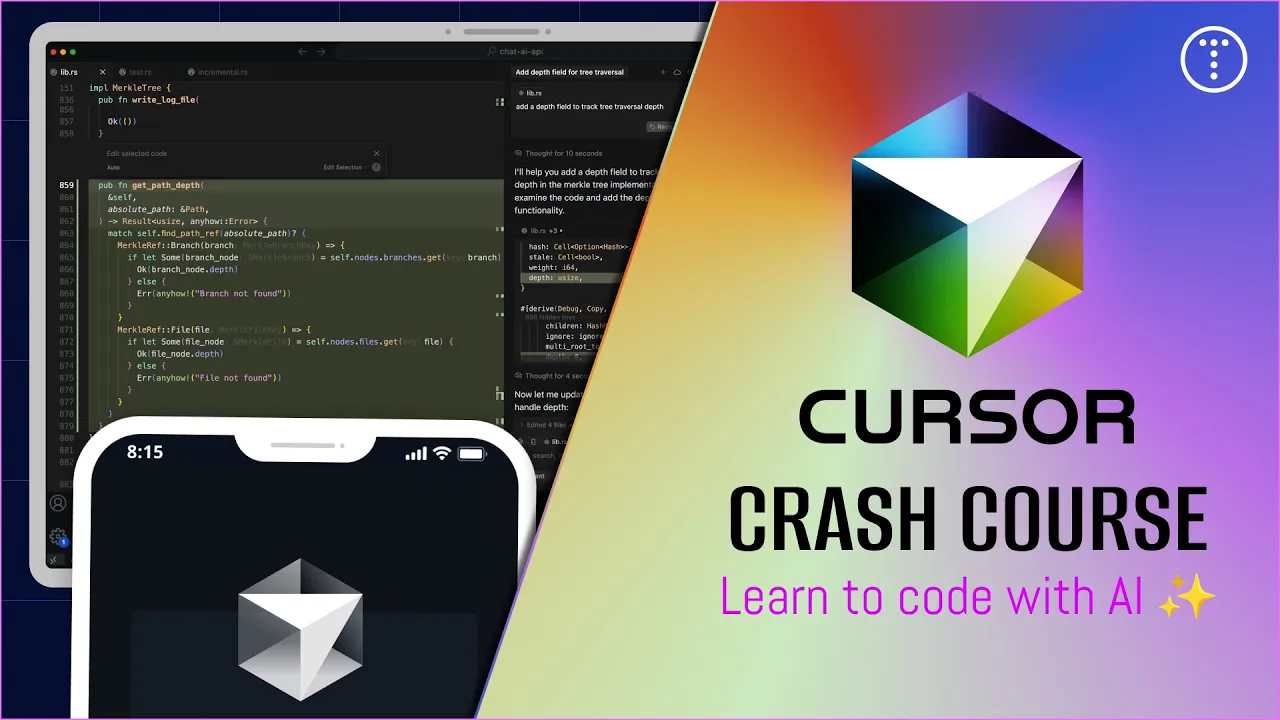

Cursor Crash Course & AI Coding For Beginners
The video introduces Cursor as an AI-assisted coding environment, outlining its interface, pricing, and how to use AI at

I'm Really Starting To Like Coding With AI
The speaker opens by sharing a cycle of burnout and renewed motivation, noting how newer AI tools like Cursor and Claude

Gemini 3.1 Pro is the smartest model ever made
The video analyzes Gemini 3.1 Pro's benchmark performance relative to peers, explores real world usability versus its va