Can the MacBook Neo run Final Cut Pro projects with cinema-camera footage without overheating?
Answered by 3 creators across 4 videos
Yes, you can run Final Cut Pro projects with cinema-camera footage on the MacBook Neo, but you should expect limitations and manage expectations about heat and performance. Christopher Lawley notes that while the Neo generally handles light-to-moderate tasks well, Final Cut Pro projects with cinema-camera footage can slow the machine, signaling that high-bitrate video editing is where it struggles most. In practical testing, Faruk (iPhonedo) demonstrates that using a proxy workflow with Final Cut Pro keeps editing smooth even with multiple angles and 4K footage, suggesting proxies can help mitigate any throttling. Marques Brownlee corroborates that the Neo is solid for lighter editing tasks in Final Cut Pro, but warns that heavier 4K workloads or plugins push the system toward SSD swap and slower response, meaning you’ll benefit from lower-bitrate timelines or proxies for sustained work. Across these reviews, the Neo’s fanless cooling and A18 Pro efficiency help it feel responsive in day-to-day use, yet when pushed with high-bitrate cinema footage, you’ll likely encounter slowdowns rather than a reliably cool, heavy-editing experience. The overall takeaway is: it can run Final Cut Pro projects with cinema-camera footage, but for comfortable, long sessions you’ll want proxies, a lighter timeline, or a higher-end Mac when possible.
- Christopher Lawley points out that Final Cut Pro projects with cinema-camera footage may slow down the Neo, highlighting a real limit for high-bitrate video editing on this machine.
- iPhonedo (Faruk) explains that a proxy workflow in Final Cut Pro keeps editing smooth on the Neo even with multi-angle and 4K footage, illustrating a practical workaround.
- Marques Brownlee notes that while Final Cut Pro runs fine for light editing on the Neo, heavy 4K workflows or plugins push the device toward SSD swap and slower responses, indicating diminishing returns for demanding edits.
- As discussed across the videos, the Neo uses fanless cooling, which contributes to quiet operation but can become a bottleneck under sustained heavy editing, aligning with reported slowdowns on high-bitrate timelines.
- All creators emphasize real-world usage where the Neo excels for couch-level or travel editing with proxies, rather than long, high-bitrate cinema projects without workflow optimizations.
Source Videos

Macbook Neo Review: Better than you Think!
""This is an entry-le laptop. And yes, it's running an iPhone chip, the A18 Pro."" 00:03:20
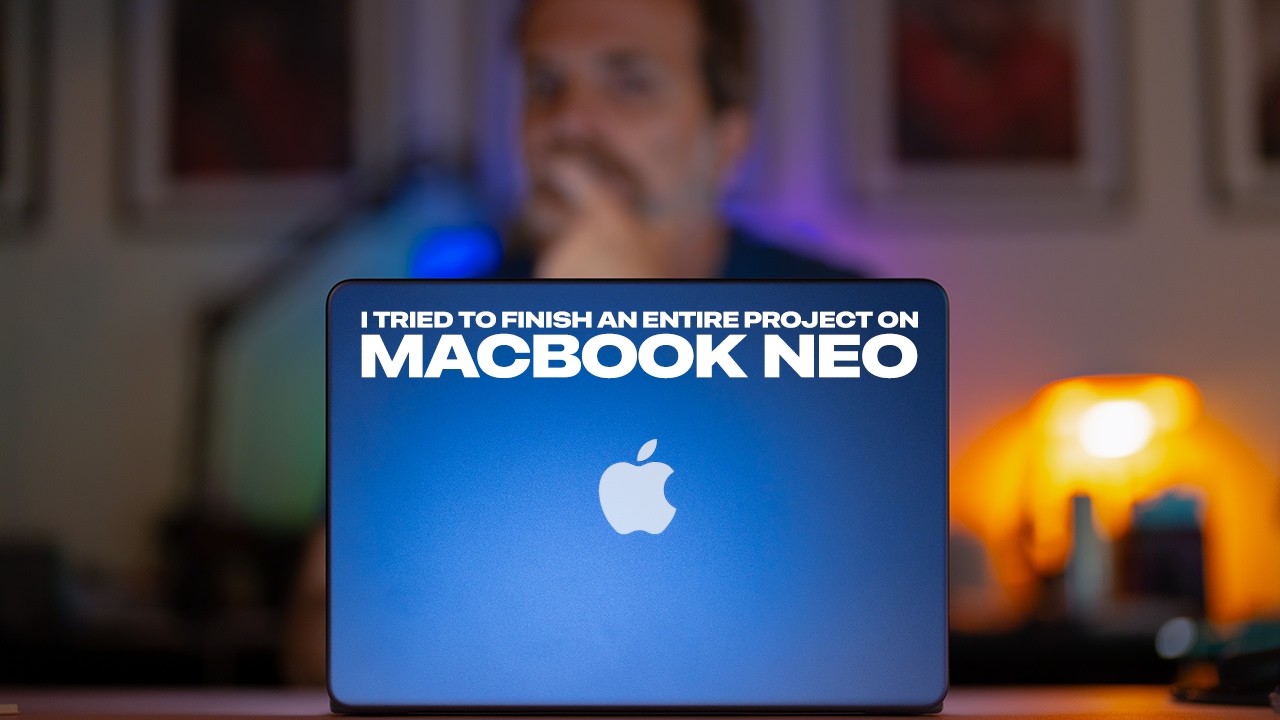
I Tried to Finish an Entire Project on MacBook Neo
"Hi, my name is Faruk and this is a very different video because in this video I'm going to use MacBook Neo and I'm going to create a full project from start to the end using nothing else but MacBook Neo." [00:00:05]

I Replaced My iPad With a MacBook Neo for a Week
"The MacBook Neo is becoming my couch computer." [00:05:10]