The Skill That 10x’d My Claude Code Projects

Chapters7
The core challenge is transferring knowledge from your head into the AI system and tailoring it with your own context to produce outputs that sound like you. It also highlights how crucial thorough discovery and client questioning are to build a reliable, effective system.
Nate Herk reveals a simple-but-powerful skill called “grill me” that turns your brain into reusable AI context, dramatically improving how Claude-based workflows perform.
Summary
Nate Herk presents a practical approach to turning your own brainwork into lasting AI context, using a lightweight, repeatable prompt called grill me. The core idea is that even with the same Claude Opus 4.8 model many teams use, your outputs will be distinct when your personal decisions, taste, and context are injected into the system. The challenge isn’t the model itself but extracting and codifying your thinking so your AIOS (AI Operating System) reflects your business and process nuances. Grill me relentlessly questions you until it maps out the entire process, stores checkpoints in a knowledge dock, and keeps refining knowledge as you work. Nate shows how he enhanced the original grill me by adding automatic checkpointing and a brainstorms folder that stores each Q&A session as markdown docs. He demonstrates how the skill creates discovery notes, a Q&A log, and open flags, so you can quickly reference decisions and push updates back into related skills and docs. The result is an OS that learns your business more deeply over time, letting you reach higher initial efficacy (roughly 90% on iteration one) and keep improving with fewer total iterations. He emphasizes that the upfront investment in context pays off downstream, reducing rework and speeding up projects. If you want early access, you can grab Matt PCO’s original grill me or Nate’s enhanced version from his free school community, under YouTube resources. The takeaway is practical: a simple prompt can become a robust, evolving skill that scales with your business needs.
Key Takeaways
- Grill me is a lightweight, 4–5 sentence prompt that relentlessly questions you to capture process details and decisions.
- The workflow stores every answer in a knowledge dock and creates a brainstorms folder with markdown docs for persistent reference.
- Checkpointing after each question prevents memory drift as you grill for hours, keeping the context accurate.
- Adding discovery notes, a Q&A log, and open flags helps you identify knowledge gaps and who to consult for updates.
- Moving from a one-off brain dump to iterative, shared understanding dramatically raises initial effectiveness (targeting ~90% on iteration one).
- Backed by Matt PCO’s original concept, Nate’s version adds practical tooling tweaks, like automatic doc updates and structured betas.
- Your AIOS becomes more accurate over time as business decisions and processes evolve, reducing rework and accelerating projects.
Who Is This For?
Essential viewing for AI-powered freelancers, consultants, and developers who want to codify their tacit knowledge into reusable AI workflows using Claude and lightweight prompts.
Notable Quotes
"Interview me relentlessly about every aspect of this plan until we reach a shared understanding."
—Describes the core grilling approach used to extract complete process knowledge.
"Grill me about this."
—Shows how the trigger phrase activates the skill in practice.
"write this to a doc checkpoint every time."
—Explains the upgrade to the grill me skill with automatic checkpointing.
"That one skill doesn’t have to be super complicated automation. A skill can just be a prompt that you don’t want to have to say every single time."
—Highlights the philosophy behind keeping prompts simple yet powerful.
"It’s the difference between a system that is successful 95% of the time and one that’s only 80% of the time."
—Quantifies the value of investing in upfront context capture.
Questions This Video Answers
- How does the grill me prompt improve Claude-based workflows?
- Can you implement checkpointing in a skill to prevent memory drift?
- What is an AIOS and how does it evolve with business changes?
- How do you set up a brainstorms folder and knowledge dock for AI projects?
- Where can I find Matt PCO’s original grill me and Nate Herk’s enhanced version?
Full Transcript
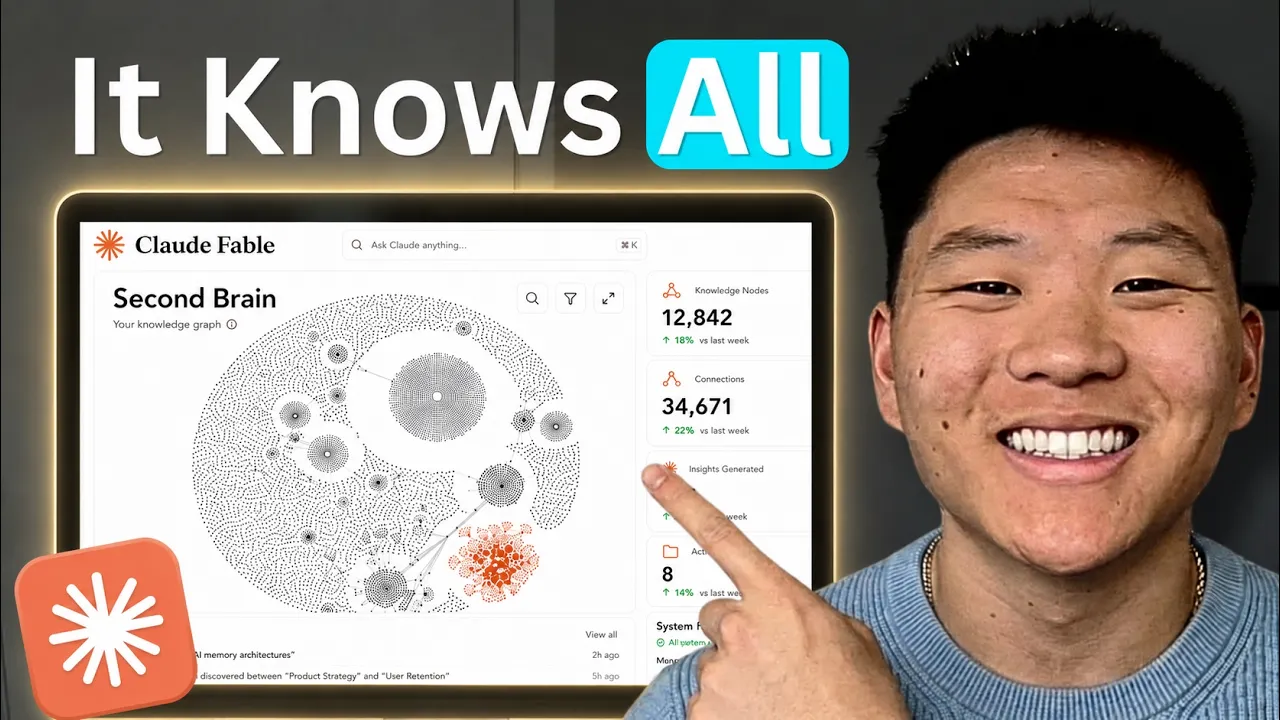
The toughest part about building good skills and building a good operating system is trying to get everything from your brain into your system. So, for example, what you're looking at here is after months and months of me building up all of the knowledge that lives inside of my AIOS. It's basically just the idea that if everyone's using the same model, so if everyone's using Claude Opus 4.8, then everyone's going to be using the same prompts and getting the same output because the model is fundamentally the same for everybody. So what really makes the difference is when you add context into that model and you give it your taste, your voice, your decisions, and that's how you get outputs that actually sound like you.
But once again, the real challenge is still the extraction, getting everything from your head into the AI system so that your skills can use it and that your context is better. And if you guys have been following me for a while and you've seen videos I've made about like discovery calls and and scoping out projects, that's the toughest part is especially if you're working with a client, asking them so many questions about this process to the point where they might even get annoyed because you're asking so many questions. But that's just what you have to do.
It's the difference between a system that is successful 95% of the time and one that's only successful 80% of the time. So this one skill we're going to look at today is called grill me. It basically takes what's in your head into reusable context for your AI. So what happens is all of that knowledge that's in your head that you might think, "Okay, I'm just going to brain dump into clawed code for 5 minutes and it will be good enough, it's not ever good enough." So what this does is it basically relentlessly asks you questions.
It grills you until it knows pretty much everything about the process. It'll ask you a question, you answer it, and then it basically will checkpoint and it will write everything back to a knowledge dock and it will just keep going over this loop endlessly until the knowledge dock is good enough and there's no gaps or holes in that knowledge. And so, like I said, this results to better skills, better context, and better projects. And originally, this skill was built by Matt PCO. And what's cool is if you look at it, it is a super simple prompt.
It's like four to five sentences. Interview me relentlessly about every aspect of this plan until we reach a shared understanding. Walk down each branch of the design tree, resolving dependencies between decisions one by one. For each question, provide your recommended answer. Ask questions one at a time. If a question can be answered by exploring the codebase, explore the codebase instead. And I like to look at that because it makes you realize that a skill doesn't have to be super complicated automation. A skill can just be a prompt that you don't want to have to say every single time.
And of course, naturally, what did I do? I destroyed that. I ruined the skill. I made it a little bit more complex, but I added something that I think makes it much better. So, if I go into mycloud, I go down to my skills and we look for the grill me right here and I open up the skill.md. You can see it's a little bit longer now. But basically what I did is I worked in that whole element of checkpointing after every single question because originally the skill doesn't do that and what happens is if you are talking you know if it's grilling you for an hour plus which sometimes it will and that's a good thing then as the context window starts to fill up I started to get worried that it was going to misremember some of my answers from earlier.
So I just found myself telling it manually hey write this to a doc write this to a doc checkpoint every time. And so I figured okay why not just work that into the skill. So now what the skill does is it creates a folder called brainstorms and it does this at the root of your project. So if I go down here, you can see I've got a brainstorm file or sorry a brainstorm folder right here with these four brainstorms. And so it will create that for you if you don't have it. But if you do have it, it will just chuck a doc in there, a markdown file right away.
And so then if I open up like for example this packaging one which I was doing, it will find like the algorithm, the key decisions, but then it will also show you the step-by-step Q&A log of the questions that it asked and what I answered with and the key highlights. And then as soon as we finally got to the end of that packaging grill me session, it said, "Hey, I notice you have this packaging guide and you have a packaging skill and there's a lot of nuance here that we talked about that's not in there.
So do you want me to update both of those?" And then I said yes. And now those skills and docs are so much better. I also did one where I said, "Hey, I want you to understand everything about the business." And we walked through from beginning to end, all the decisions, all the processes, and now my OS just feels like it knows even more about the way the business works. And so, if you think about it like this, right, like nothing is going to be perfect on the first try. And so, let me just do a quick visualization.
This is kind of the old way when you're building a skill, right? So, we've got iterations down here. Let's say by iteration one, after you've knowledge dumped in your brain and you want to build a skill, you maybe get somewhere. or let's just say around here where you're about like 70% successful on iteration one and then what happens is you run the skill and you make a small improvement and now you're up about I don't know right here like you go up from 70% to 75 and then every time you iterate you get a little bit better with each iteration until maybe you cap at the point where you're about like 95% good and this could be 10 iterations it could be 30 iterations it however many it takes for your skill to feel a bit more battle tested and honestly I don't think you ever get to 100% because as your business evolves and as you evolve, the skill keeps evolving.
So like all my skills that I've been using for months and months, I'm pretty much still changing a lot. But the whole idea is what if on iteration one because you do this grill me and you spend extra time up front, you're able to jump right up here to like 90 at the beginning and yes, it's not perfect. You're still going to iterate a little bit, but you're just there a lot quicker, which gives you more opportunity to find better ways to iterate on it. So that's my horrible visual of why I think this is valuable.
It just goes back to that whole idea of if I had six hours to chop down a tree, I would spend the first four sharpening the axe where upfront, yes, maybe it feels boring or repetitive, but that's what you need to do is get all that context in there because it helps downstream so much more. So anyways, if you guys want to grab the grill me skill, you can look it up here from Matt PCO. Or if you want my version, you can come to my free school community. The link for that is down in the description.
Just join the community, go to the classroom, click on all YouTube resources, and it will be right in there for you to find along with all my other free resources. And then it's as simple as saying, "Hey, grill me about this." Or, of course, you can invoke it with a slash command. Right there, you can see, "Grill me." But I could just say something as simple as, "Hey, I need you to grill me about the way that I think about applying AI to my own business internally in a safe way that won't damage the business." You can see it'll obviously load up that grill me skill.
We're going to see in a second that it's going to create the capture file so nothing gets lost. Right there, we have applying AI internally. And this is what it looks like. It's going to set up the discovery notes, the summary key decisions, um, Q&A log, and any open flags. And what's cool about this is it'll flag things that you need to go find. So, when I was running through this funnel map, you know, there were some things going on in the business that I don't actually know super well. Like, I can't explain the same way as the actual stakeholder or operator that does that process can explain it.
So, it said, "Hey, here's some things to flag. Go reach out to this person and have them send you information and then come back and drop that into me and then we'll update this brainstorm." So that's basically how it works. It might ask you five questions. It might ask you 30. It's just going to go until you guys feel like you have the same shared knowledge and that it is a good stopping point. And the cool thing is because these are saved as docs. You can reference them later. But you could also come back to like for example packaging.
Let's say I I find a major breakthrough in the way that I package my content. I would just come back to this doc and say, "Hey, grill me again. Here's some new things I found. Let's update all this information." So anyways, I do know that this one was super quick, but I thought that, you know, there's no need to really make this video that much longer. So go grab the skill, go start grilling yourself about different skills and processes that live in your business and just start making your OS and your skills better. So that's going to do it for this one.
If you guys enjoyed or learned something new, please give it a like. It helps me out a ton. And as always, I appreciate you guys making it to the end of the video, and I will see you all in the next one. Thanks guys.
More from Nate Herk | AI Automation








Get daily recaps from
Nate Herk | AI Automation
AI-powered summaries delivered to your inbox. Save hours every week while staying fully informed.