Laravel Barcode Generator with OpenCode AI | Full Tutorial

Chapters11
Tony introduces the goal of recreating the barcode generator project using open code instead of cloud code.
Tony Xhepa shows how to build a Laravel barcode generator using OpenCode, the DNS barcode package, Livewire 4, and Flux UI, including authentication, storage, and download features.
Summary
Tony Xhepa walks through recreating a barcode generator from his prior Laravel project, but this time entirely with OpenCode’s free models. He installs the DNS barcoding package via composer to gain 1D and 2D barcode generators, then creates a Laravel model, migration, and factory for barcodes with fields for value, format, and label. The tutorial covers wiring a Livewire single-file component (resources/views/pages/barcode-generator.blade.php) to render an interactive form and an inline SVG preview, using Livewire v4 with a page component, and styling the UI with Flux UI v2 and Ton CSS v4. He emphasizes authentication for saving and deleting barcode records, adds a user relationship (barcode belongs to a user), and implements routes for generating, downloading, and viewing history. Throughout, Tony references his previous Cloud Code workflow and adapts it to OpenCode’s free modelo like Mimo v2 Pro, choosing a suitable model (Mimo 2 Pro) and iterating on prompts to install packages, create models, and generate the page component. By the end, the app can generate barcodes (Code 128 and QR), render SVG previews, save to the database, and download PNGs, with a responsive two-column layout and a saved-barcode history table. The video ends with a nudge to subscribe for more OpenCode-based tutorials and a note that Tony will try more OpenCode-focused videos next.
Key Takeaways
- Install the DNS barcode package via Composer to enable DNS 1D/2D barcode generation.
- Create a Laravel Eloquent model, migration, and factory for barcodes with fields: id, value, format, label, and timestamps.
- Build a Livewire v4 single-file component for a two-column, responsive barcode generator form and SVG preview.
- Use Flux UI v2 and Ton CSS v4 to style a two-column desktop layout with a single-column mobile layout.
- Add authentication guards so only logged-in users can save, delete, or download barcodes.
- Store and display a history of saved barcodes, including value, format, label, and date, in a saved barcodes table.
- Implement routes and endpoints for generating, downloading, and listing barcodes, including a 403 error when not authenticated.
Who Is This For?
Laravel developers who want to implement barcode generation with OpenCode’s free models, Livewire components, and a modern UI stack, plus authentication-driven save/download workflows.
Notable Quotes
"install the million/barcode package via composer and this provides the DNS 1D and DNS 2D the QR code generators."
—Tony demonstrates installing the barcode package to enable generation of 1D and 2D barcodes.
"create a barcode eloquent model with migration and factory. The barcodes table needs the ID, the value, format label and timestamps."
—He outlines the data model structure for persisting barcodes.
"follow the docs for live wire version 4 components."
—Tony emphasizes aligning the Livewire integration with the recommended version.
"Here is the route for the page and download endpoints."
—He clarifies the routing setup for the barcode generator page and its downloads.
"we have the saved barcodes that this lot saved barcodes."
—Describes the saved barcodes history feature and its UI placement.
Questions This Video Answers
- how to install and use DNS barcode package in Laravel
- how to build a Livewire v4 page component for a barcode generator
- how to save and download barcodes in Laravel with authentication
- how to integrate Flux UI with Laravel for responsive layouts
- how to generate Code 128 and QR barcodes in Laravel
Full Transcript
Hello friends, Tony here. Welcome. In the previous video, I created this uh barcode generator application with Laravel. I just previewed I created that project with the this project with cloud code. And in this video, I want to try to create the same thing but with the open code. I'm going to choose a free model because yeah, not every developer works with cloud code. So I'm going to try to make with open code. Everyone who works with open code can do that thing. I have prepared some prompts and we are going to see if we are going to build the same project.
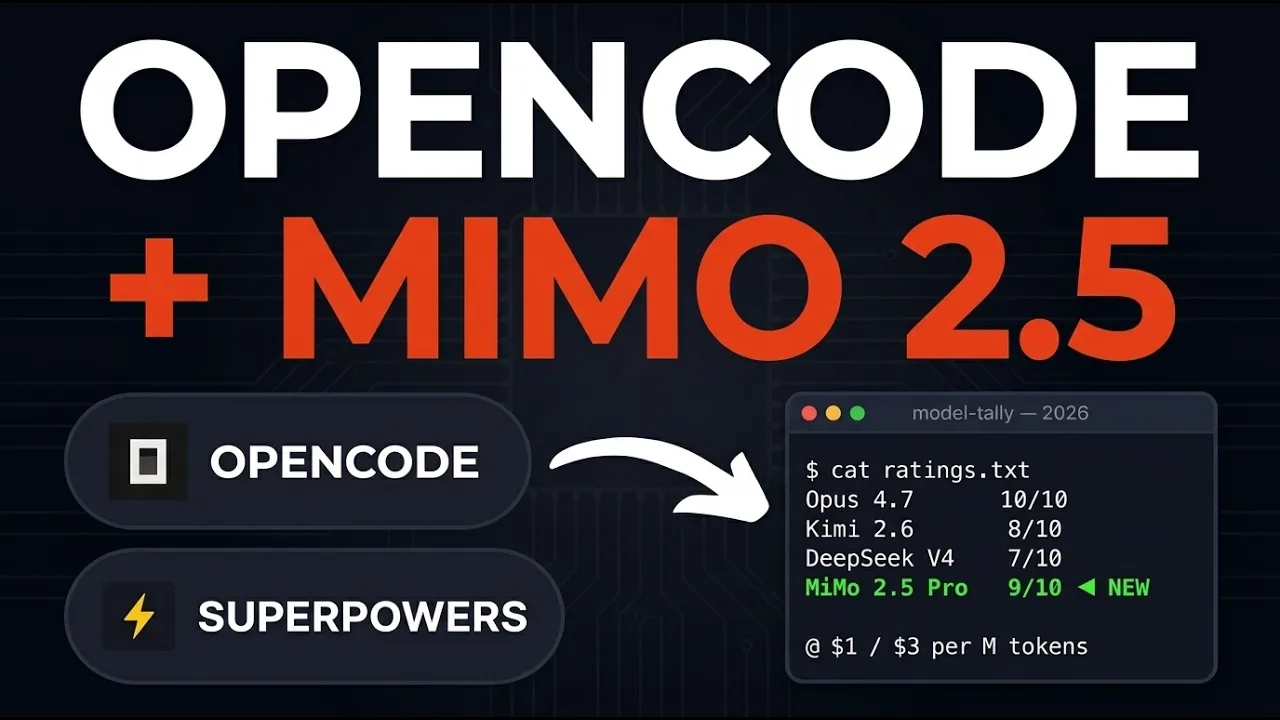
Here is the Laravel project I have created which is uh with V setter kit and I'm going to try to create that the barcode generator feature. Here is the terminal. I am this barcode version two which is this project. And now let's open the open code and chose here free model. If I go to models, so we have big pickle, mimo, mimo pro, miniax and by default we have this neot drone which I have worked with this and it's not very good. We can choose big pickle or minimax 2.5 or let's choose this mimo version 2 pro for now.
And first thing I'm going to add the first prompt which is install the million/barcode package via composer and this provides the DNS 1D 1D barcodes and DNS 2D the QR code generators. I'm going to hit enter. So the first prompt is just to install this package in our project. And we can see installed successfully. You now have access to DNS 1D and DNS 2D. Very good. Now I'm going to add another prompt and this prompt is to create the barcode format enough. If you haven't watched, I suggest you to go and watch that video, the first video before before this one.
Okay. So the directory doesn't exist. It's going to create first the directory inside apps. Now I'll create the barcode format enam file. Okay. So create this barcode format app. And now let's see let's add another prompt. This is the create the eloquent model with migration. Here is the prompt. So create a barcode eloquent model with migration and factory. The barcodes table needs the ID, the value, format label and timestamps. Cast the format column to the barcode format in and add a factory with fake data. Okay. So let's see. So created the following barcode inside the models.
Okay. Migration and factory. Okay. So let me just open this with the anti-gravity first to see what changes we have here. So I'm going to go first the model up. Yeah. Also we have enams. Here's the enam. Very good. The same thing we had also on the previous project. Then we have the barcode model with protect a fillable. Yeah, we have here of Laravel 12 filable protected here instead of Laravel 13 who use attributes fillable but it's okay also cast for the format. We can see database factories barcode factory and the migration is here. So value format and the label.
Now let's uh come here open again the open code and now I'm going to add another prompt and I'm going to say also here follow and let's go because we have if I go to live wire go to documentation components and yeah pages components I want to copy this link so follow the docs for livewire version for page component. Okay, I'm going to hit enter and I'm going to show you also the full prompt. So create a full page live wire version for single file component at resources views pages barcode dash generator blade php. Now component state is going to have the value string uh format is bar code format selected format default code 128 label which is string no label and SVG string no label rendered SVG output and also saved barcodes which is a collection and okay then we have actions generate the validate input render the barcode SVG using mill barcode DNS 1D for 1D and DNS 2D for QR code store to SVG and then save method to purchase the barcode database requires authentication delete the dollar sign ID is going to accept the dollar sign ID so delete and say delete a saved barcode by the ID and also download it's going to receive ID trigger the PNG download of the barcode Use the wire model for reactive form binding.
Show the SVG preview in line and protect uh the save delete with outware. Style the barcode generator plate template using the flax UI version two and ton CSS version 4. The layout is going to be responsive two columns grid on the desktop. The form is going to be on the left and right uh preview on the right. Single column on mobile. Left generator form. So flux input select input for option label and button generate click generate primary variant and save. Y click save secondary variant only shown when SVG is set. Below is the below the form.
Add the history tables of flax table list in the saved barcodes with columns value format label date and actions to delete button empty state message when no history exists. And as said yeah follow the documentation for live wire version 4 components. Okay. So we have the route for the page and download endpoints. Run the test end point. Let's see. Let's come here. Let's refresh. Yeah, nothing has changed yet. Let's see also here models database go to resources now views. We have pages and we have barcode generator which is like this layout layouts app title barcode generator.
We have value barcode format bar code format code 128 label null SVG null collection saved barcodes mount saved barcodes this low at the saved barcodes which low saved barcodes where we have load yeah here we have the load if we have to check for the authentication if we don't have authentication is going to return an empty collection otherwise video out user barcodes latest limit and get here we have error because we don't have user barcodes relationship go to models user yeah barcode has many this has many barcode import that but we don't have that relationship So if I open the barcodes here, we don't have the user ID in here.
Okay. Uh add the user IDs here. Have added the user ID to the barcodes. Very good. Yeah, that's okay. So let's go back and let's see. We have the saved barcodes that this lot saved barcodes. Okay. And then we have the generator validate the value in the label and then it's going to try catch try try if this format is QR code dollar sign generator new DNS should be and this SVG generator get barcode SML this value and QR code here same else is it to say get barcode this value this format value otherwise it's going to cut in this other value okay save authorize validate the value format and label in Create user barcodes create value format and label and this saved barcodes to this load save bar codes and also dispatch bar codes saved delete authorize this authorize first and then out user barcodes where ID okay to delete that and then it's going to load the save barcodes again download is going to redirect the slash barcodes passent ID download and we sort that and authorize If check aboard 403, you must be logged in to perform this action.
If I come here and refresh, yeah, we don't see that. Now, let's see inside the routes, we have the route live wire barcode generator and then we have route get barcodes pass near the barcode download. Okay. Function barcode and abort unless the barcode user ID is triple with is out ID. If barcode format is QR code generator new DNS 2D and barcode data okay let's see now the form we have field label value input value. Okay. So as you can see here is okay we have hash just let's say also to add this in the sidebar.
So I'm going to say add a navigation link to the barcodes page in the authentication layout sidebar.blade.php or equivalent now for partials and use a barcode icon from flax icons. You understand that the app uses sho advance a sidebar and also the header and have added. Now let's see route barcode genator not defined. So added the bar navigation link to all three nav locations in the app layout and also added the route name because oh before yeah we had errors and let's see go to barcodes. Now we have this uh authorize when we have this authorize on the download and on the delete.
So let me just copy this and paste it right here instead of returning with a board. And the same thing in here aboard. And for now let's comment this one. And I'm going to open also new tab here and run the composer run dev. Okay. And let's see. And here we have the almost the same thing. We have the barcodes and barcodes here. Now let's see if I enter something here. Click generate on handle match case for the secondary here. Let's come here. Now let's see. We have variant primary and variant secondary. So let's remove this variant also here.
And I'm going to leave it like this. Refresh. had refresh other code where it generate and now is generated and here it is we have also saved a save that and we have down there now I'm going to we need to clean this when is saved but for now let's leave it like this and let's add another number which to choose here is the test that's the QR code choose QR code click generate and now we have QR code here. We can say save. And we have something like this. So we have a button to download which I'm going to test right now.
I'm going to to download the QR code. Let's see. And we have barcode. PNG. And this is the barcode here. Have almost the same thing we had on the previous one which is like this. Yeah. But we need to change for example here where we display the preview. Here's the SVG and we choose the BG white on dark. We choose uh BG neutral here. But uh what I want is on this one let's cut and let's add just a div with the class to be BG white. And let's say maybe padding of one. add this dollar sign SVG which mean now if I refresh it so we need another link here the view but let's just create another one it generate and now we have a white background on this one okay friends so that's it all about this video to create the same feature I created with cloud code but in This video we have use used the open code and we have used this Mimo version 2 pro which is free model.
Now if you like such a videos don't forget to subscribe and yes if you like the videos the generated from cloud code the open code with the free models comment and I'm going to do my best to create also another video just using the open code. All the best and see you in the next one. Thank you very much.
More from Tony Xhepa











Get daily recaps from
Tony Xhepa
AI-powered summaries delivered to your inbox. Save hours every week while staying fully informed.