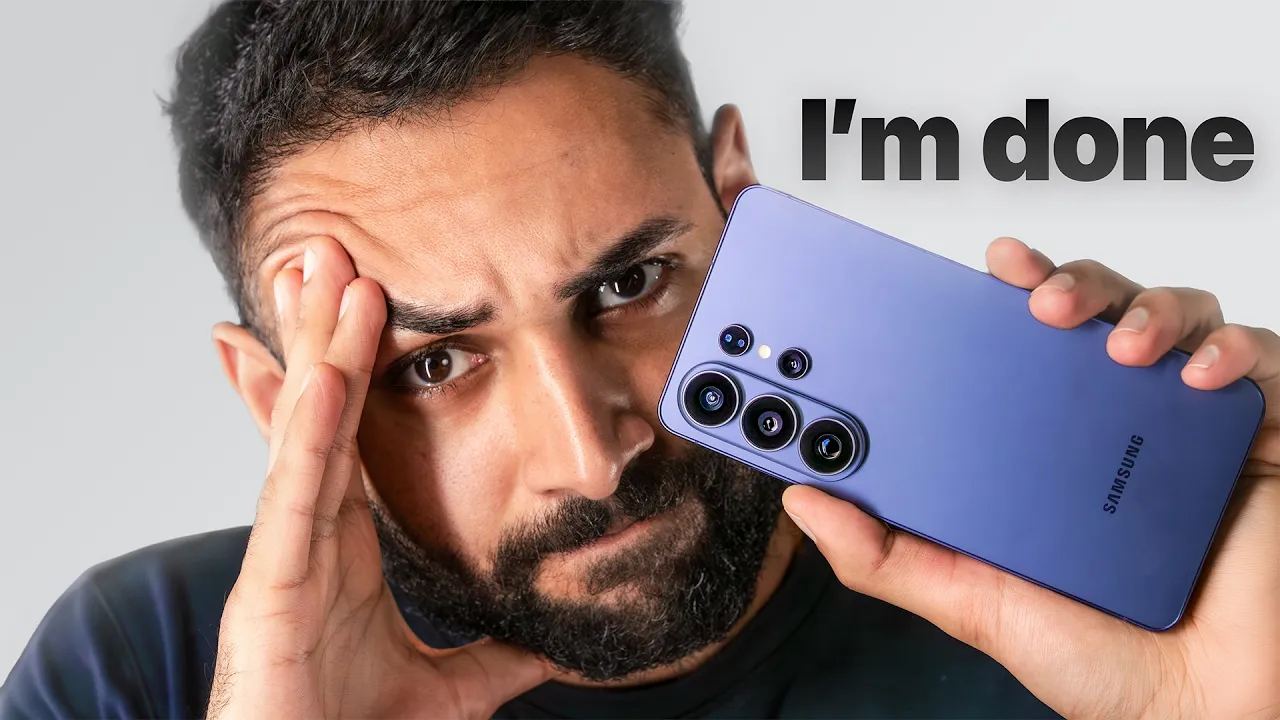
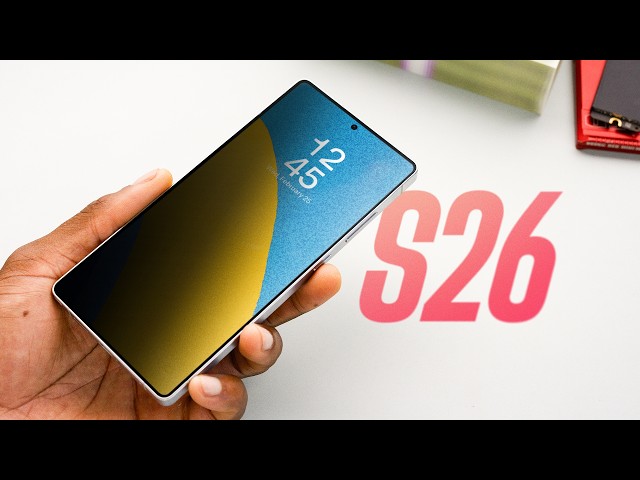
Samsung's New Secret Screen (Samsung Galaxy S26 Ultra Unboxing)

Chapters8
Covers the wide color lineup across the S26 series, including exclusive colors available on Samsung.com and the mystery white version.
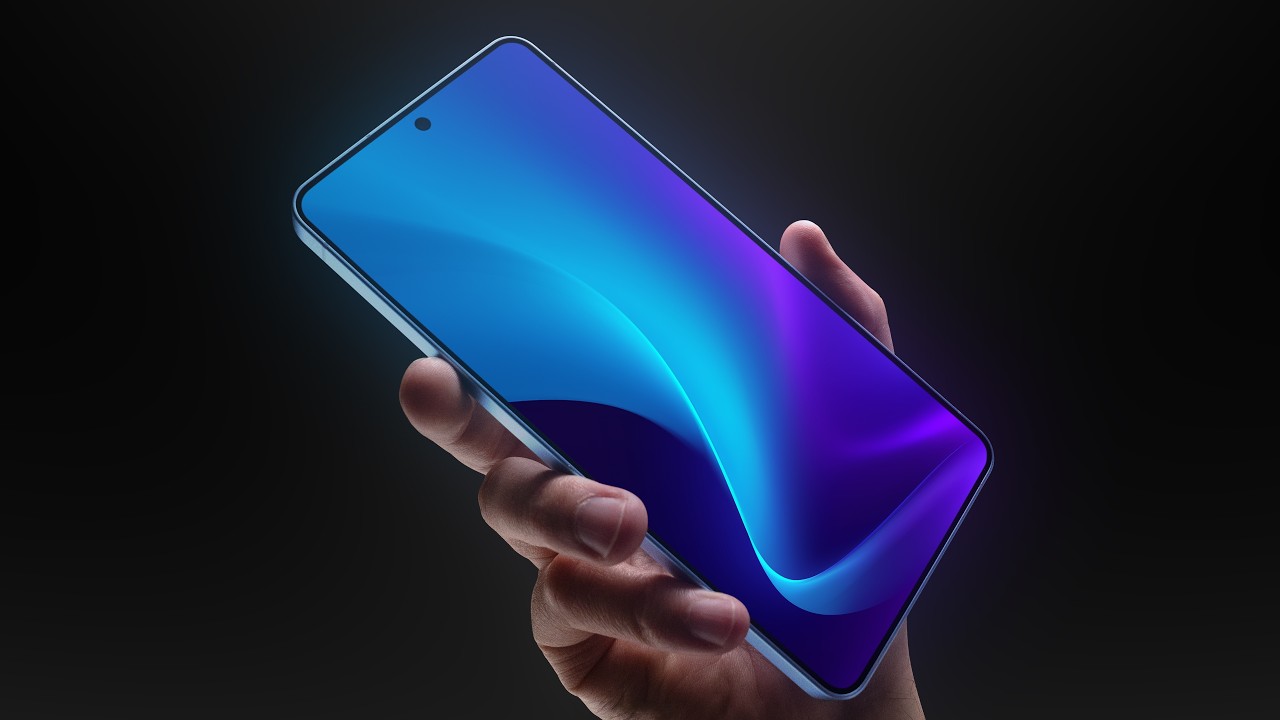
Samsung’s Galaxy S26 Ultra shows off major power, a privacy-focused display, a fast S Pen integration, and enhanced cameras in a flagship package.
Summary
Unbox Therapy’s rapid hands-on with the Galaxy S26 family centers on the Ultra, which takes the spotlight with a 60W charging edge and a true flagship camera setup. Will highlights the new Snapdragon 8 Elite Gen 5 chip and up to 1 TB of storage on the Ultra, plus RAM options hitting 16 GB. The video emphasizes the S26’s privacy display feature, which clamps down brightness to limit peep-viewing, and explains how it can be tuned for specific apps and even notification popups. Samsung’s pen experience on the Ultra earns a close look, with the magnetized silo, “pinky eject” action, and a clicky feedback that Mo clearly enjoys. The camera system is tested live, showing a 50 MP telephoto and 10 MP tele, plus macro and autofocus tricks that adapt in real time. Will compares the device’s weight and ergonomics to the Edge line, noting a slim, premium feel with edge-to-edge glass and a comfortable grip. The unboxing also covers display sizes (6.3, 6.7, 6.9 inches) and the implications of privacy mode on outdoor visibility. Throughout, Mo leans into practicalities—charging speeds, Dex compatibility, wireless power share, and the value proposition of exclusive color options—giving viewers a grounded sense of what makes the S26 Ultra a true flagship contender.
Key Takeaways
- The Galaxy S26 Ultra offers up to 60W max fast charging (and 45W on the Plus, 25W on the base S26).
- Storage scales to 1 TB on the Ultra with up to 16 GB RAM for the highest-end variant.
- Privacy display mode limits brightness from side angles and can be applied to specific apps and notifications.
- 50 MP main telephoto (f/2.9) and 10 MP telephoto (f/2.4) cameras deliver a versatile zoom and autofocus workflow.
- The S26 Ultra introduces a tactile pen experience with secure magnet docking and a responsive click action.
- Display sizes range from 6.3 to 6.9 inches with high brightness, and the device supports Dex for desktop-like use.
- Wireless power share remains a highlighted feature, along with the Ultra’s improved camera and charging ecosystem.
Who Is This For?
Tech enthusiasts and Samsung power users who want the latest flagship with top-tier cameras, a premium stylus experience, and privacy-focused display features. This video is especially useful for buyers weighing Ultra vs. Plus models and color/ accessory options.
Notable Quotes
"Wow, there's even a maximum setting, which is what? Even crazier."
—Mo comments on the new privacy-max brightness feature and its standout capability.
"You can actually put it in the wrong way and it will still stay in the silos, so you can't really screw stuff up too badly."
—Describing the MagSafe-like pen silo and ease of use with the Ultra’s stylus system.
"This is more of a MO feature. Any kind of pen action."
—Highlighting the pen action as a defining Ultra feature.
"You can choose which apps you want to use the privacy display with."
—Explaining the app-specific privacy display customization.
"The coolest thing on this model is this zero turn aspect. It can just turn on a dime and very gently turn the whole thing here."
—Noting the camera/system flexibility and smooth rotation/handling in practical use.
Questions This Video Answers
- How does Samsung's privacy display work and which apps support it on the S26 Ultra?
- What makes the Galaxy S26 Ultra’s camera setup (50MP tele and 10MP tele) stand out in 2026?
- Is the S26 Ultra worth the upgrade over the S26 Plus for camera and charging speeds?
Samsung Galaxy S26 UltraGalaxy S26 PlusUnbox TherapyPrivacy display60W fast chargingS Pen & magnetic caseCameras 50MP telephoto 10MP telephotoDex compatibilityWireless power shareDisplay privacy tech
Full Transcript
Wow, there's even a maximum setting, which is what? Even crazier. Got the new Galaxy devices, S26, S26 Plus, S26 Ultra, and of course, I have way too many of them, which is lovely because I like to see all the offerings or at least most of the offerings because there are going to be some exclusive colors that I do not have. Silver, shadow, and pink gold. Samsung.com exclusives, but I do have cobalt, violet, sky blue, and black. [music] And Will tells me there's some kind of mystery about the white [music] version. It's not really listed, but we have it here, so it must be real.
We have the latest chip, Snapdragon 8 Elite Gen 5. Up to 1 TB of storage on the Ultra, up to 16 gigs of RAM if you get the 1 TB variant and you want to spend a boatload of cash on having the absolute flagship. So, oh, the other thing is bumped up on the standard S26. It starts at 256 storage available in a 512. Batteries get bigger as you go, which is of course what you would expect. So 4,300 mAh, 4,900 mAh, and 5,000 milliamp hours on the Ultra variant. Also, obviously, we step up to the Ultra and we're getting our pen action, which this is more of a MO feature.
Any kind of pen action. You see that? Beautiful. Nicely integrated. Wow, look at that. I can pinky eject. You didn't expect that ejection action. Why you have a problem with that? I got says more about you than me. Why? And very nicely integrated. Like like look at the shape. You see the the way the curvature works into the actual nub of the the pen click. I you know I'm a fan of clicks. Look at this. You know I'm a fan of clicks. All clicks. Every click. I don't want the world to be done with clicks cuz you know everything is a tap and everything is touchbased.
[music] I don't want to be done with clicks. I want to have some things that still click. Actually, that's interesting. It still goes in the wrong way. You can actually put it in the wrong way and it will still stay in the silos, so you can't really screw stuff up too badly. Okay. So, yeah, that's another thing you get exclusively with the Ultra. You also get faster charging with the Ultra. So, this guy will charge at 60 watts max fast charging 3.0, 45 watts over here on the Plus, and 25 watt fast charging on the S26.
Wireless charging also gets faster. 15 watts to 20 watts to 25 watts. And they all feature wireless power share, which is a nice little thing to have. Display sizes of course have to scale up as well. So 6.3, 6.7, 6.9. Resolution gets its jump when you go from the standard to the plus model, but then it stays the same for the ultra. Cameras also get a big boost. We go up to this 50 megapixel. Look at that unit. We're talking about aperture. It's a unit [music] right there. That's look at that lens. Beautiful. We get the 50 megapixel f/2.9 telly 1 and the 10 megapixel f/2.4 telly 2.
Ultrasonic fingerprints across the board. They all support Dex. When it comes to scale, we go from 167 g all the way up to 214. This is obviously a smaller phone. All right, that seems pretty self-evident. This one is very comfy. Little guy [music] is comfy. It's not quite to the extent of the edge situation, but it is not far off. You know what I mean? Like we can see here edge versus S26. Pretty damn close. Well, it's light. It's light as well. It's very light. Will's actually got the lighter case on there and then it gives it a little more.
I mean, it's still super thin. And look at them. You got the magnetic wallet. It's a nice setup you got, Will. There are some phones that are actually that thick to begin with. You You get your palm around there. You wrap your palm around there. So, I got later cases for the new devices. Of course, we've also got magnets onto the case and all of a sudden you're locked in on all your variety of accessories that work better with a lock on spot like in your car and whatnot. With these modern, slim, and slick devices, you want to keep it modern, slim, and slick with your case as well.
And that's where the later case comes in. You guys already know. Beautiful texture. Doesn't slide out of your pocket anymore, but stays nice and slim in your pocket. You could be like Will. You could even slap a wallet on there and it's still not too fat. Couple of different color options for you that I can display here. Another one of my favorites is actually going to be this coffee color. You can order these right now because we got to be there at the launch of the new Samsung devices. So, regardless of which device is interesting to you, there will be later case support in a [music] variety of color options.
So, I believe this device here has been preset up. This color, this cobalt, is probably maybe the coolest cuz it has a little color shift to it where it goes a little bit purple back over to blue. Very flat design language. Screen to body ratio. Very nice. Slim, symmetrical. Remember when the chin used to be an issue? Gone are those days. My [music] goodness. Is another thing to consider, especially with bigger phones and sometimes you have big camera modules, so they can be a bit tippy. [music] But I think this is okay. Let me boost this brightness.
We know how Samsung does it with the brightness. They will let you [music] burn your eyeballs if you want to. Look at that. Now, I'm going to just burn Will's camera over there. Look at that. This is the new thing. Limit screen visibility from side angles to protect your privacy. Check [music] that out. Wa! Yes. This is like you've seen those 3M screen protectors or other privacy screen protectors that aim to like kill off access viewing and this does it. From here I can read. See where I'm at from here. I can't I probably can't read from here honestly depending again on screen brightness [music] but I can't really read from here.
So that's tremendous privacy. Well, you're on the flight, you know, you're going to Italy, you're going to Japan, all your world travels on the flight or public transit, you take the train or something, people are just peeking at you or whatever. I'm going to turn it off. Wow, it is it is a Okay, this is interesting. If you choose privacy display, it will toggle off the extra brightness option. It's one or the other. So, you got to give up a little bit of max brightness for privacy. think it's okay because most of the privacy scenarios are [music] going to be inside with coverage.
You're not going to need outdoor brightness cuz if people are, you know, when you're outside there's more space. Maybe not at an outdoor music festival because that's another place you went which was Coachella. Remember that? Like I know it's a while ago now, but you actually did do that. Will was young like 5 years ago and then now he's 65 years old. cash back and Costco memberships and it's unbelievable. Right? You're gone. Boom. Now I'm going to turn it off and you'll see now you can see the display. That's just me dialing off. It's there.
What a demo. What a demo. Wow. There's even a maximum setting which is what even crazier. Oh my goodness. That is nuts. That is only directly in front of it on maximum mode. Way to go, Samsung. I like tech. Like, it can be cool. You can You can be novel. Like, that's a thing. That's a real problem that you're aiming to solve. It's like a real thing. Hey guys, ever had this problem? Here, we solved it. That ain't no spec pump. That's a new thing that your phone don't phones don't currently do. Unless you slap a protector on there, which ruins your display the rest of the time.
Oh, conditions for turning on. So, this is what we're looking for. You can choose which apps you want to use the privacy display with. Love it. Okay. Pin pattern password. Turn on privacy display when you enter a pin pattern or password for your lock screen. Obviously smart man in this world that we're living in right now. I just had a scammer on the phone. Do you or do you not currently have $60,000 in crypto? I know your name, don't I? Apply the privacy display to notification popups from all apps while keeping the rest of the screen visible.
Just the notification section only available to the person directly in front. Well, if you're an Uber driver, you got this thing on facing you. This guy's reading. Very cool. Love it. Okay, that's great. Who's not Who doesn't want the feature? Who's mad about it? Nobody. Now that we're all booted up, let's go ahead and boot into our camera. That's really what I want to see here. So, let's go through some camera versatility here. Starting with 6, which is so wide that Will got himself in there. Wolverine 30x. What are we doing? Let's check the results.
That's you. That's wide. You see? Wow. 30x usable, which of course here we're cropping [laughter] 100. Obviously, at this point, we're losing resolution. Oh, baby. Now we're getting going. When you examine the money, you know what I mean? The great seal. Really? Novice. Ordo secllorum. What does it mean, Mo? Obviously not pig Latin. Wow. Yeah, man. I mean, this it's it's ridiculous. Even the ultra wide has stepped its game up now well into the usable territory. [music] Ridiculous. Wow. You know what I mean? Well, this is one of those moments where I mean, obviously the Samsung saturation hits and it's just like vibrancy, dude.
The skin tone is like perfect, dude. Yeah, that's actually the skin tone is it's right there. Let me get a little video going too. I realize we didn't do that yet. 4K 60. It's your turn, right? Because the gun. He did the photo. So, you can do the video, I guess. The autofocus test. It actually brought up the little macro icon. Wow. Close focusing distance. I'm going to turn on Hold on. Hold on. I'm turning on the macro. What? Close focusing, baby. Okay, I'm going to turn off the macro [music] and the it allows me to switch between it live as well.
So now take the bill away. Bam. Autofocus is there. Not macro anymore. We We We're going to move up on Mo here. Get into his space. He moves. I'm going to hit him with a 2x now. Still got you. Three. Where are you going? Back to two. There he goes. Tracking smooth. Can you still see me? It's like dark. Okay, so we got good news with the camera so far. When you're in the flagship category, that seems to [music] be the the thing to examine and a big differentiator. Obviously, you're getting top tier chips. You're getting top tier performance.
That's normal. But then it's like, okay, how are the cameras going to compare to some of the other devices that are available? And here we have obviously tremendous camera versatility. Turn a little bit. Look at that. Probably the coolest thing on this model is this zero turn aspect. It can just turn on a dime and very gently turn the whole thing here. Turn on a dime, guys. Oh, yeah. I want to play some music, too. Let me do a little bit of music. [music] Heat.
More from Unbox Therapy




Get daily recaps from
Unbox Therapy
AI-powered summaries delivered to your inbox. Save hours every week while staying fully informed.