THE Minimal Thunderbolt 5 Desk Setup

Chapters11
Presenter introduces an all-in-one Thunderbolt 5 focused workstation setup featuring display, peripherals, and storage with a lightweight, minimal aesthetic.
Unbox Therapy walks through a minimalist Thunderbolt 5 desk, pairing a Vernal desk with a Mac Mini, LG 6K TB5 display, and a versatile Ankor dock for massive IO.
Summary
Unbox Therapy’s Will dives into a complete, minimal Thunderbolt 5 setup centered around a Vernal desk. He showcases Thunderbolt 5 for both display and peripherals, including extremely fast SSD storage. The Mac Mini acts as the compact workstation, with a shelf and cable-management system keeping everything clean. A premium Ankor 14-in-1 docking station adds a full set of ports and power delivery, while a Saber Thunderbolt 5 external SSD delivers blazing throughput. The centerpiece is LG’s 32U90A-S, advertised as the world’s first 6K Thunderbolt 5 display, mounted on a flexible stand that can switch between landscape and portrait. Will notes the value of a minimal, cable-conscious setup and highlights the desk’s motorized height adjustment, a pull-out keyboard tray, and modular Vernal accessories. He also tests the storage throughput, comparing internal Mac Mini speeds to the external Thunderbolt 5 drive, with external speeds exceeding internal ones. The video closes with a promotion for Vernal discounts and a nod to the ongoing rapid advancement of Thunderbolt 5 along with practical setup tips for anyone aiming to replicate a clean, powerful space for editing or creative work.
Key Takeaways
- LG 32U90A-S is described as the world’s first 6K Thunderbolt 5 display with an adjustable stand that supports landscape or portrait orientation.
- The setup uses a Mac Mini with 24 GB of unified memory and 512 GB storage, powered by an M4 Pro chip according to the transcript.
- Ankor’s 14-in-1 Docking Station provides Thunderbolt 5 connectivity, power delivery, USB-A, SD/TF card slots, and both HDMI and DisplayPort outputs.
- Saber Thunderbolt 5 external SSD (4 TB) achieves read speeds up to 6836 MB/s and write speeds up to 5299 MB/s in the test.
- The Rocket Extreme 5 external Thunderbolt drive is noted as backward compatible with USB 3.2 and shown to significantly outperform older TB4 drives in transfers.
- The Vernal desk includes a motorized height adjust, pull-out keyboard tray, modular accessories, and integrated cable management for a clean, minimal workstation.
Who Is This For?
Ideal for creative professionals, video editors, and tech enthusiasts who want a clean, expandable workspace leveraging Thunderbolt 5. Great for anyone considering a compact Mac-centric setup with high-speed peripherals and a premium desk system.
Notable Quotes
""this is just a beautiful desk that they've provided here.""
—Will praises the Vernal desk’s design and build quality.
""Thunderbolt 5 for display as well as peripherals""
—Emphasizes the all-in-one TB5 capability for both monitor and devices.
""world's first 6K Thunderbolt 5 display""
—Highlighting the LG monitor’s standout claim and TB5 compatibility.
""That's it. Imagine that. That's your workstation.""
—Describes the clean, compact setup as a complete workspace.
""The beauty of Thunderbolt 5 is massive expandability""
—Notes the core advantage of TB5 in this build.
Questions This Video Answers
- How does Thunderbolt 5 affect display and peripheral connectivity in a minimal desk setup?
- What makes the LG 32U90A-S a 6K Thunderbolt 5 display, and is it worth the upgrade?
- What are the practical throughput numbers when using Saber Thunderbolt 5 vs TB4 drives?
- How can I replicate a clean cable management solution with a Vernal desk and Ankor dock?
- What are the pros and cons of pairing a Mac Mini with a TB5-centric desk setup for video editing?
Thunderbolt 5LG 32U90A-S 6K displayMac MiniVernal deskAnkor docking stationSaber Thunderbolt 5 SSDRocket Extreme 5 Thunderbolt 5 driveDisplay portability and stand designFinal Cut (usage context)
Full Transcript
So today we're going to be doing something that we haven't done in a while. We're going to be doing an entire setup. And I'm excited for this one because it's I guess my first Thunderbolt 5 setup utilizing Thunderbolt 5 for display as well as peripherals, including extremely quick SSD storage. And we want it to be as minimal as possible. That's the other concept. And it's really all centered around this Vernal desk. Shout out to Vernal actually for partnering in order to enable this setup. This is just a beautiful desk that they've provided here. It's got this lovely little pull out tray for keyboard and mouse if you choose or for storage or whatever else.
Of course, it's also motorized, height adjustable. I love the wood that we've got on our variant here. You can order it a number of different ways. Very smooth motor system. They actually reinforced the horizontal structure in order to emphasize stability even at the standing height. So, they actually thought a lot about this keypad as well. They redesigned it to fit as snugly as possible on the desktop edge to minimize accidental collisions or misouches. And they've also got a high low limit and a child lock function so your kids don't play around with it. [music] And goes way up, by the way.
Way up. I mean, whatever your height is, you're sorted out. And then we've got a variety of other accessories from Vernal, including some hooks for headphones. Very convenient. It's kind of a modular thing where you can add and subtract items from it. So, they've got a PC holder if you want to store your tower sort of elevated off the ground. That's an additional thing you can add. They've got drawer units and cabinets, some of them lockable for secure storage. And then up top we have this accessory, the shelf, which allows you to take your items and kind of store them underneath where your monitor might live.
Since we're going to be using a Mac Mini for this setup, it should slide underneath this shelf completely and we'll just have kind of complete coverage. Of course, we've also got cable management on this system. And you can see that that mounts in this section right here. And it gives you a lot of storage for your various cables. And it's sturdy. Like this is not like a soft style cable management. You can go ahead and stick a power bar in there. And then Vernal also makes this chair, which I was kind of surprised by. You guys know I've tried a lot of different office chair solutions.
I like the fact that this one is mesh, so it's very breathable, adjustable with [music] lumbar support. We even have a headrest on here, which is also adjustable. The armrests are adjustable. I should mention there is a deal courtesy of Vernal if you want to pick up a beautiful desk like this or some other version or variant from their site. We've got a discount for you. It is YT and the link is going to be in the description of this video so you can save some money if you want to put together your own configuration.
And I'm telling you, the stuff is nice. [music] So, this is not a custom order. This is what they keep in stock. Just it's just that high-end model of the Mac Mini. 24 gigs of unified memory and 512 storage and it has to have the M4 Pro chip or [music] max chip to make this a minimal Thunderbolt 5 setup. Apple always does it where the lid comes off so easily. Did you see that? [music] And they this is just the right amount of tension. I'm sure it's the key to their success as a company, never [music] mind the products themselves.
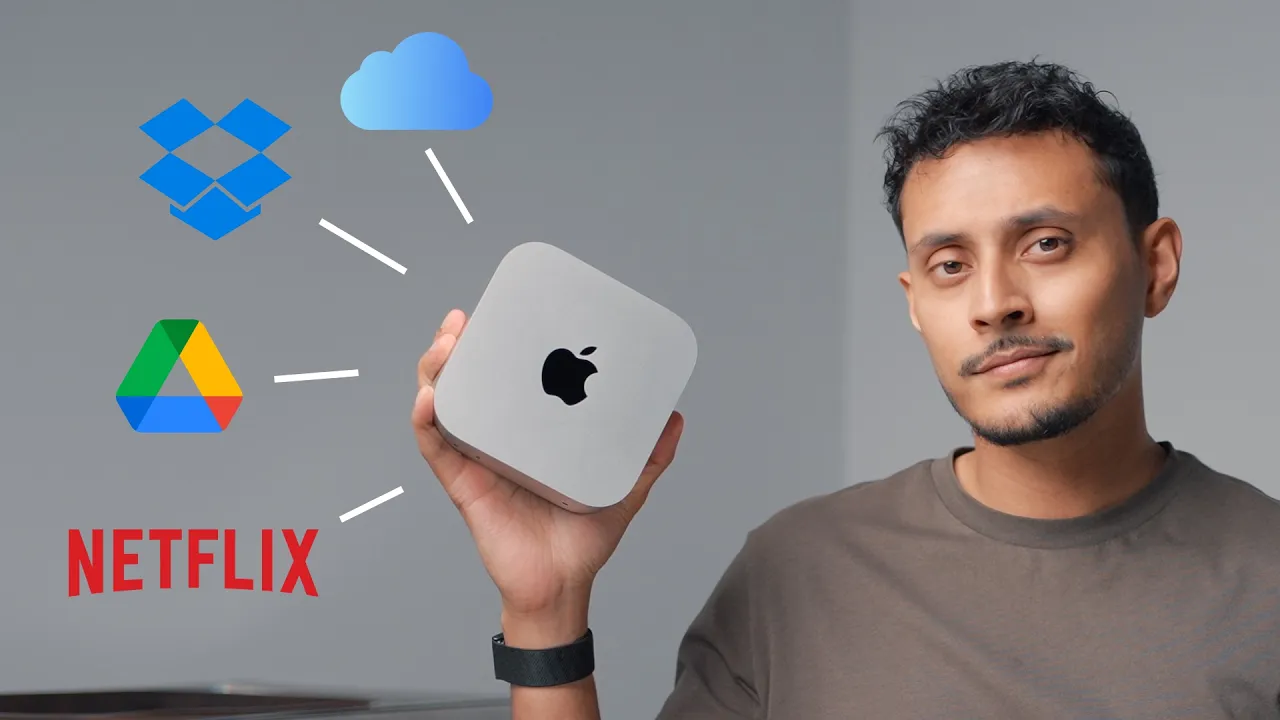
So, ever since the Mchip made its way into the Mac Mini, this thing became so much more suitable as the actual [music] focal point or center of a workstation. In fact, multiple guys in here are currently using Mac Minis to edit on Final Cut. That, look at that. You can stick that in your pocket. You got a workstation. It's [music] pretty impressive. No external power brick of any kind. Just power cable. Even more impressive. [music] Ethernet is here. HDMI. Thunderbolt 5, which is the key to this setup. And look at this. Look at the way that this just Look at that.
Come on, Will. That's satisfying in and of itself. I didn't turn anything on. Could it even fit under the shelf? It if you wanted to do a laptop based setup, you can still utilize the fact that you've got this shelf. you have enough depth where you're not disturbing your actual workspace and then the laptop can just be [music] in its closed format or I guess technically if you weren't using this for [music] keyboard and mouse this could also be a cool place to keep your laptop for storage. So that's all we need. That's it. Imagine that.
That's your workstation. Lovely. Okay, next up let's talk about our dock. So, this is a 14-in1 Prime Docking station from Ankor, and this thing is a beast. I mean, if you do any kind of like video editing, creative work, this is just going to give you so much more versatility for the variety of inputs you might have. Of course, this is backwards compatible with Thunderbolt 4 and you want to kind of dock it and then just immediately have access to all your peripherals with one singular cable connection. Well, this is going to enable that. And it's funny, like you look at that, it kind of footprint-wise, like it, these two kind of go well together.
Now, we just got tremendous Thunderbolt capacity. This is your singular Thunderbolt connection to the computer. It's also power delivery, and then here we have 2.5 GB connection, two 10 GB per second USBA ports, HDMI number one, and then our display port if we want to use it. That's not something that we have natively on the Mac. Honestly, the the most useful for us here and one of the pain points about the Mac Mini is the fact that it doesn't have USBA. So, getting USBA back on this device is great. You have SD and you have TF and it's accessible and it's right on the side, easy to reach.
So, these front ports are capable of 45 watts total. So, more than enough power for charging your portable devices, your phone or your iPad. If you want the full max power output, obviously the computer connection on the back for your laptop. That's what's going to deliver whatever your laptop needs typically. Oh, and they give you a Thunderbolt 5 cable in the package as well. That's nice. So, we have our first Thunderbolt 5 cable. And here's our power cable. And look, Apple doesn't give you a cable tie to keep it organized, but Ankor does. I mean, so now you can start to see you've got some options here for setup.
You can have this guy over here and this guy over here. Look at that. Tons of opportunities for peripherals to have charging permanently or temporarily. You can reach everything on the front or because of that SD card slot, you could actually place this over here as well. We're going to have to figure it out as we go and determine our ideal setup. The point is these are really short runs for Thunderbolt between the two devices [music] and everything is going to be very clean and tiny when we're finished. All right, let's talk about this drive, the Rocket Extreme 5 external Thunderbolt.
It is backwards compatible to USB 3.2 10 Gbit per second. It's a solid aluminum construction for better durability. It was one of the things I was kind of concerned with that when you're doing your own enclosure. You can get a cheaper 2 TB model. This is the 4 TB model. And I've seen some preliminary speed tests over 6,000 megabits per second, which is obviously tremendous. And then you can even get crazy and raid [music] multiple units together and just go well beyond the internal SSD [music] storage for speed. So here's a drive, very small. Now actually you can remove this external casing and you can pull the drive out if you want.
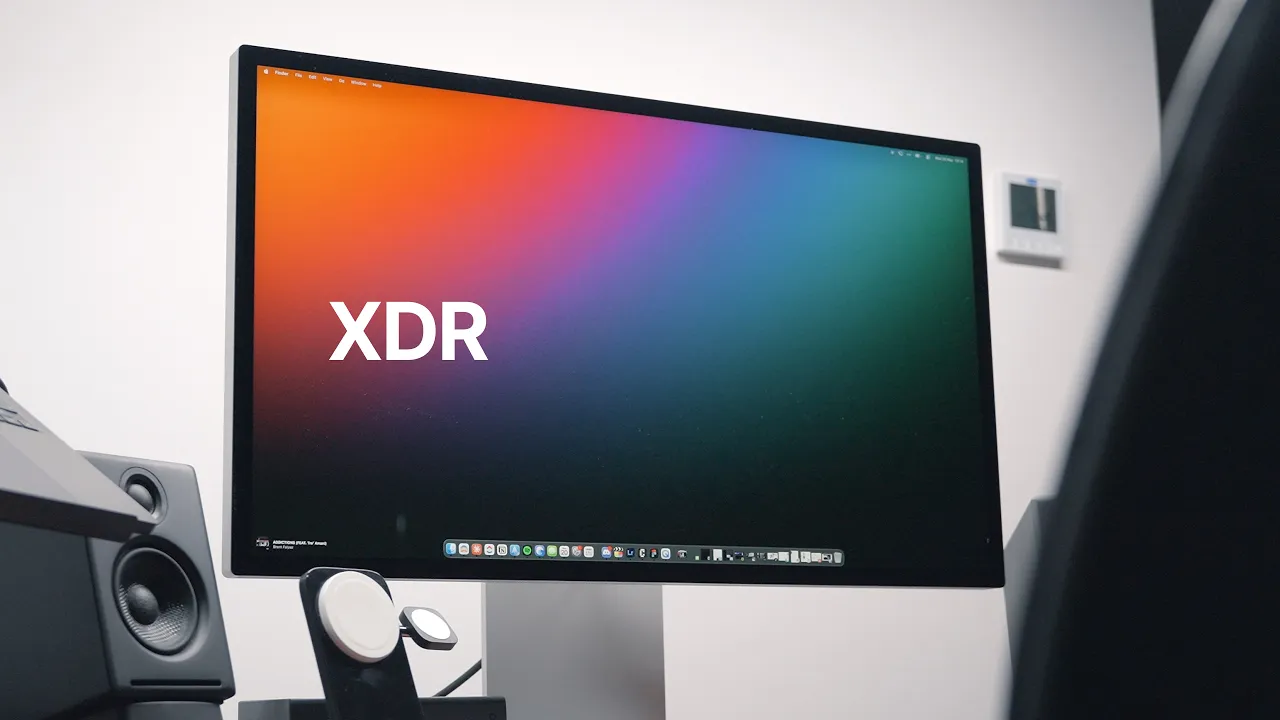
So it's actually a little bit smaller, but this is aluminum. And if you want the enhanced durability, you just slide the external case back on and now it's not going to get dented and whatever else. And I think this one also comes with a Thunderbolt 5 cable. It does. So now we have two Thunderbolt 5 cables, which is sweet. Okay, time for our biggest attraction. This is the 32U90A-S from LG. So apparently this display from LG is the world's first 6K Thunderbolt 5 display, which is kind of a cool feat. What's good about the stand is that it's adjustable.
I mean, that's kind of at this price point and when you're buying a 6K display. Yeah. So, they they've gone with like this minimal design on the stand. So, this is going to allow you to twist the display from a landscape orientation to a portrait orientation if you prefer. Okay. So, here's the display. And this is our first glance at just how versatile Thunderbolt, Thunderbolt, [music] and a bunch of USBC ports. And we've got 6K. And we've got Thunderbolt 5. Let's go ahead and get this mounted. I kind of like how boxy this thing is.
Look at this. I mean, it stands up without even I don't want to do that. That makes me nervous, but I just did it. We've got very similar silverish tones at play with the frame and stuff. I just I kind of like the way the whole thing's coming together right now. In this case, we do need power. 360 W. And the reason that you care about that is because that 360 W has enough overhead there for your laptop. Look at that. Another Thunderbolt 5 cable. And this one is white. So, we're all set up and ready to go.
We don't need any extra accessories or cables to go with it. And this one also has some existing cable management that you can keep and use elsewhere if you want. But they've also given us a display port cable, an HDMI cable, a type-C cable, and that's our hardware for the stand. Okay, let's go ahead and get this thing mounted onto the arm, and we'll start using some Thunderbolt 5. We'll see just how fast this drive is on speed test. [music] Look at how minimal and beautiful this particular setup is. Now, there was a little bit of thinking as far as like where to place everything.
I mean, the Mac Mini is so small that you could have put it in the cable management system [music] at the back if you didn't want it on the surface at all. But then it's like once you've got the shelf and I there's something kind of nice about just sticking them beside each other and they really don't take up much space. So, why not just have it on the desktop? And then since the shelf has its support in the center and the hub has its SD card reader on the side here, it made sense to do it in this orientation with this to the left side of this post.
So you can access that. The display looks amazing. Just sort of floating here on the arm mount. So here is the arm. This is also from Vernal. Has a little bit of cable management. And then there's these sleeves that you can run over top to hide some more cabling. And of course, all of this runs down into the cable management tray. This is where our power goes. One singular cable coming from the wall for power up to a power bar. And then that's feeding the various devices up on the top. The beauty of this setup and the thing I was excited about was the fact that we were going to have tons of IO on a system that's really small without any kind of traditional desktop computer.
So if you look at the monitor for example, we're using only one singular Thunderbolt connection. Look at the DP connection like in using display port. Obviously it works but it's so much nicer to use the modern Thunderbolt connection. It's a smaller connector. We've got one, two, three, four that are unoccupied here. Six that are unoccupied on the hub. So, you're up to 10. And then the Mac Mini itself, 1 2 on the front, four. 14 total available ports for expansion. So, that's a bunch of external drives and peripherals and audio interfaces and maybe if you want to have wired keyboard and mouse, although you don't need to.
I told you before there is a built-in KVM as well. if you have two systems connected at the same time that's built into the monitor. But whatever peripherals you choose to use, whichever type of creative professional you happen to be, or even if you happen to be a gamer as well, maybe you've got a wired headset that you prefer. The beauty of Thunderbolt 5 is massive expandability and because of the hub to be able to also get versatility of different styles of ports and get those USBA ports back. Now, as far as keyboard and mouse inside the drawer right now, we have new stuff from Logitech.
This is probably my favorite mouse at the moment. This is the new MXM. This one's for Mac. So, if you buy the Windows version of this mouse, which I normally do anyways, then you're going to get the option for a receiver and not simply a Bluetooth connection. And that can come in handy sometimes. Either way, whichever version you go for, this mouse is just so comfortable and satisfying to hold. [music] The buttons have a really fine soft touch to them. Now, I don't need to tell you. You know about MXM. They have new stuff. The keyboard, funny enough, is solar powered.
It's kind of funny to put it in a drawer away from the sun, but it doesn't need that much sun exposure. So, even when you're using it, it'll probably charge up and I don't know, or every so often you can just leave it out on the desktop. And I had looked at this initially and been like, is there even enough room in there? But I would probably have this on some sort of an angle and and for productivity, this should be okay. Oh, I almost missed out. We've got some headphones on one of the hooks over here.
It's a clean place to put it. So, I'm just going to roll up the chair right now. All right. So, we have the SSD. The Saber Thunderbolt 5 is connected now. And we have Amorphice Disc Mark. And we're going to test the internal SSD on the Mac Mini and then compare it to the externally connected Thunderbolt 5 disc. So, first off, the internal. So, those are our numbers there. for the internal drive a maximum read of 5918 [music] and a maximum right of 4409 and that's in megabytes per second. So next up we will do the external drive here and we're going to go ahead and start.
So that's a tremendous amount of throughput. We're now looking at 6836 maximum read and 5299 maximum right. We could you could run this a few times. you'd get slightly different numbers, but you're outperforming the internal disc and it's just a ton of throughput for any external connection and it's beyond Thunderbolt 4. You love to get your hands on that like latest edge and then actually be able to utilize it. And so what does that mean in practice? Well, if you're dragging and dropping a file on here or you're editing footage that's directly on there, multiream, you're just going to have so much more headroom to work with.
Another thing I just am realizing right now is how much I like this finish on this display. Obviously with Apple, you have their nano etching [music] that they offer now, but it's for a premium price. So to get this kind of matte finish, and I'm not even near a window or something, but there's even more of an enhancement when you're dealing with reflections. Oh, by the way, so Will just brought over another disc, and this is not a cheap disc. So this is a Thunderbolt 4, and it's a 4 TBTE SanDisk professional drive. And I I was just like, you know what?
Actually, let's just run a test on this so we can have a four versus five comparison. So, we're seeing some more numbers here. I mean, it's basically defeated in every category. I'm not surprised by that. Yeah. I mean, it's amazing within a singular generation. It also speaks to the advancement what's going on with these tiny SSDs. Like, they are just wow. I mean, they're improving at a rapid pace. Let's just take this folder here around 225 gigs. So almost a quarter of a terabyte. So this is People used to dread a file transfer like this.
In our case, we don't dread it so much anymore. Let's drop it and see what we get. Look at it go. 30 gigs, 40 gigs, 50 gigs. Seems like it may slow down a little bit here. So 220 225 gigs for us is not like an uncommon transfer. and sometimes even larger. If you're dealing with a ProRes project and a longer form video where we filmed a lot of footage, it could be wow, you can get to like a terabyte in some cases, right? We don't want to make proxies. Anyway, never mind. That's inside baseball.
You don't need to care about that. But the fact is our transfer is finished. That is a beautiful thing to just be able to move a quarter of a terabyte just like that. But like I I even in the early days I got on YouTube and and started out with Thunderbolt to see the progression of it. It's exciting to me. I don't know why there's something about a fast transfer, it still gets me going to this day. And there's other things that get me going beyond just fast transfers, but fast transfers are one of those things we and this is it.
Thunderbolt 5 has been there for a minute, but now it's a little bit more accessible. So, this is the first Thunderbolt 5 setup we've done and we've done it in such a way that is honestly kind of beautiful and obviously extremely minimal. Oh, I did want to see if the like monitor had speakers on it and they're actually not bad. I don't know if you can tell how happy I am that they put speakers in here. Trust me, I like speakers, don't get me wrong. Don't get me wrong. But a lot of times in a setup like this, I'm going to mostly use headphones.
So, the speakers is more to like deal with fatigue like every just every so often. And it's not your primary like audio source. The the the ability to have that without any more external gear is Yeah. Yeah. I like it. What can I say? I like it. You've done well, Will. It's got the perfect combination of items and it's [music] the right kind of a desk for a setup like this. Super clean. So, listen up. If you want to build your very own setup, I think one of these vernal desks could be the perfect backbone.
And if you want to pick one up, we do have a discount for you courtesy of Vernal. All you got to do is use the discount code YT UT and use the link in the description and I'll put the code down there as well. But anyway, plug in that code, see about your savings, and let me know what you pick.
More from Unbox Therapy







Get daily recaps from
Unbox Therapy
AI-powered summaries delivered to your inbox. Save hours every week while staying fully informed.