How does Samsung S26 Ultra's privacy mode compare to other brands' privacy displays?
Answered by 5 creators across 7 videos
Samsung’s S26 Ultra introduces a hardware‑level Privacy Display that’s designed to actively block side views by using a mix of narrow and wide‑angle pixels, and it can be toggled per app or per notification for flexible privacy. As Marques Brownlee explains, turning Privacy Display on hides half the pixels and lowers effective resolution while keeping perceived brightness, thanks to a two‑pixel architecture that preserves on‑axis clarity. Dave2D highlights that the feature works across angles and even when you tilt the phone, with per‑app and per‑content privacy options and a side‑angle privacy kick‑in around 45–50 degrees, making it practical for banking or sensitive emails. Unbox Therapy adds that you can choose which apps use Privacy Display, and notes the device can be configured to auto‑enable privacy rules, underlining its user‑driven customization rather than a one‑size‑fits‑all approach. In broader comparisons, Mrwhosetheboss and others acknowledge the privacy tech as a standout differentiator but stress it comes with trade‑offs in brightness and clarity relative to conventional displays, framing it as a unique Samsung solution rather than a universally better panel.
- Marques Brownlee points out that Privacy Display uses two pixel types, turning off wide‑angle pixels to hide half the pixels while maintaining perceived brightness.
- Dave2D points out per‑app and per‑content privacy modes with a measurable side‑angle privacy kick‑in around 45–50 degrees for the S26 Ultra.
- Unbox Therapy points out the ability to apply privacy mode to specific apps and the option to auto‑enable privacy rules, emphasizing user control.
- Mrwhosetheboss notes that while Privacy Display is a standout differentiator, it introduces brightness and clarity trade‑offs compared to traditional displays and frames it within Samsung’s broader AI/features package.
Source Videos
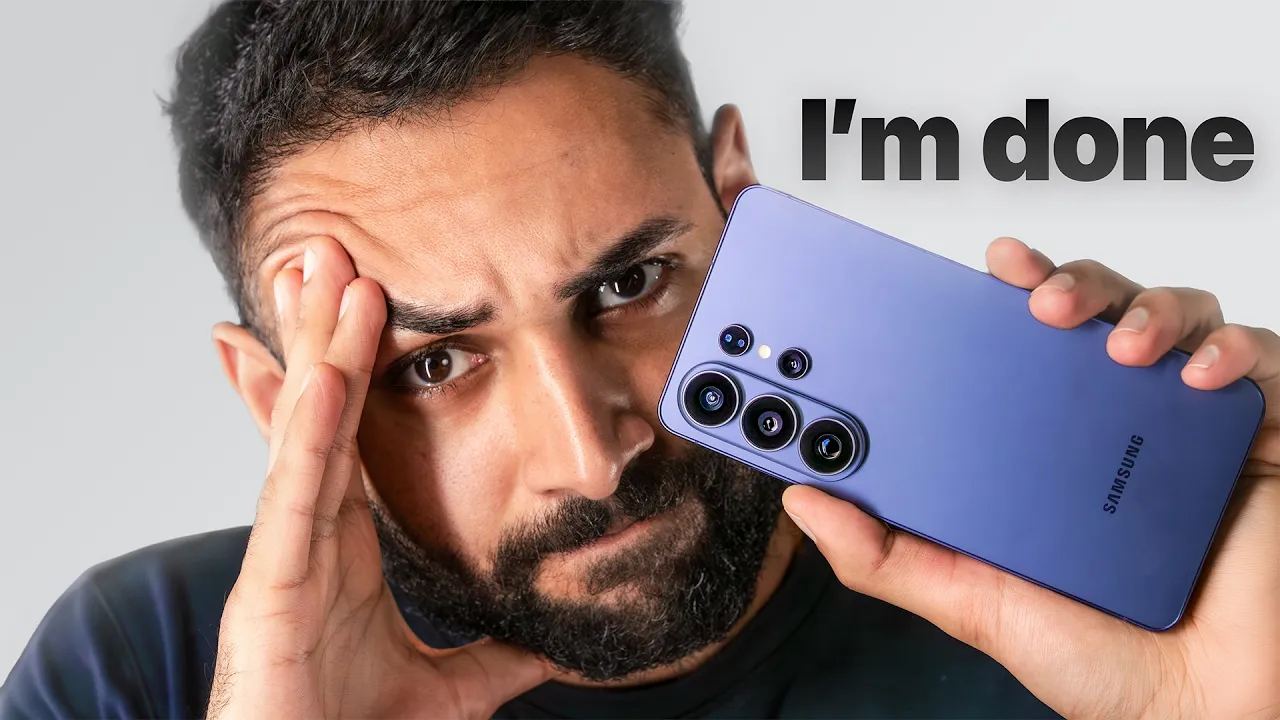
Samsung S26 Ultra Review - Breaking Point.
"The Samsung S26 Ultra is the most conflicted I have ever felt about a phone. It feels like a breaking point." [00:00:15]
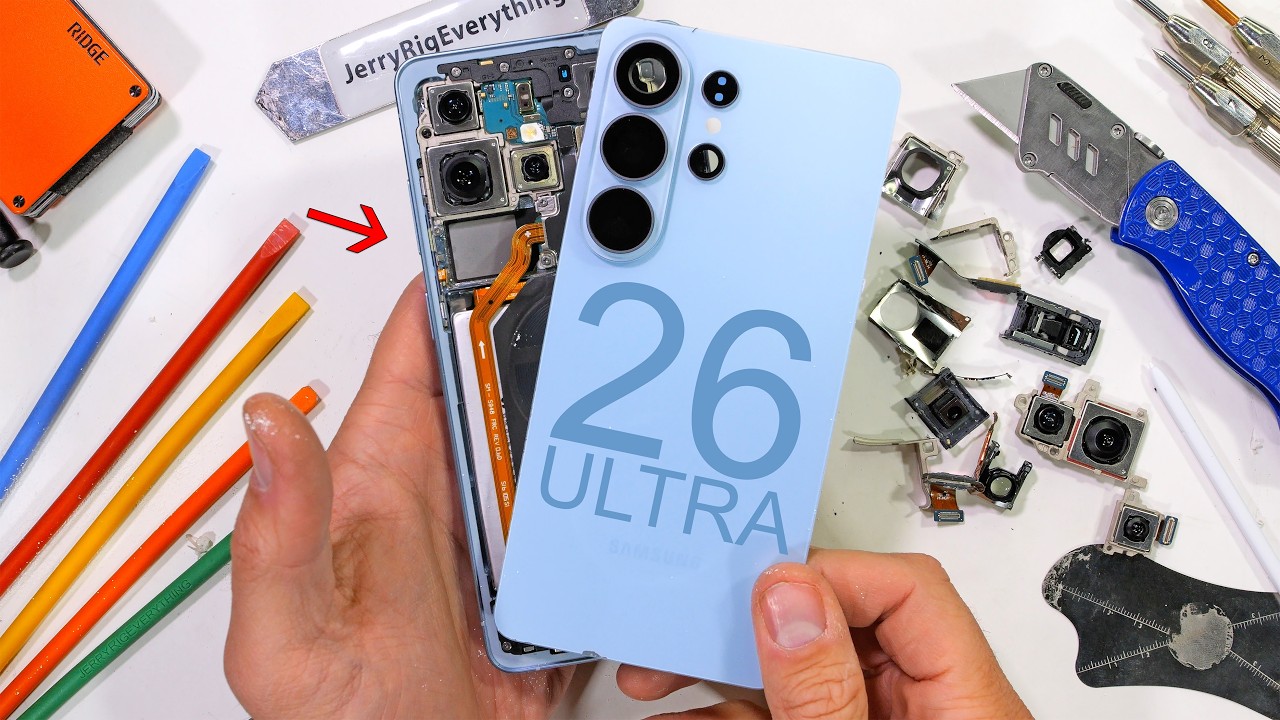
They cant keep this private - Samsung S26 Ultra Teardown
"There are a total of seven Phillips head screws holding in the bottom and 11 screws up at the top holding down the motherboard." [00:04:12]
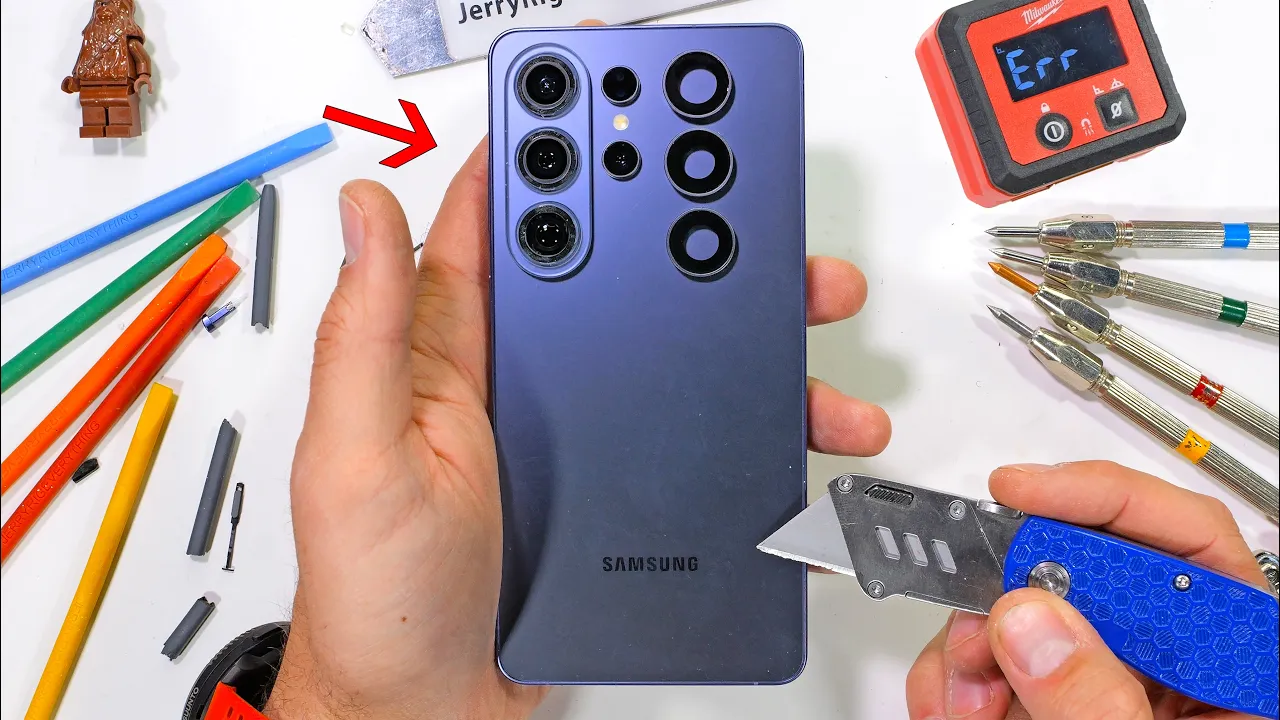
They didn't mention this... - S26 Ultra Durability Test
"The coolest part of this S26 Ultra is probably the privacy screen." [00:01:45]
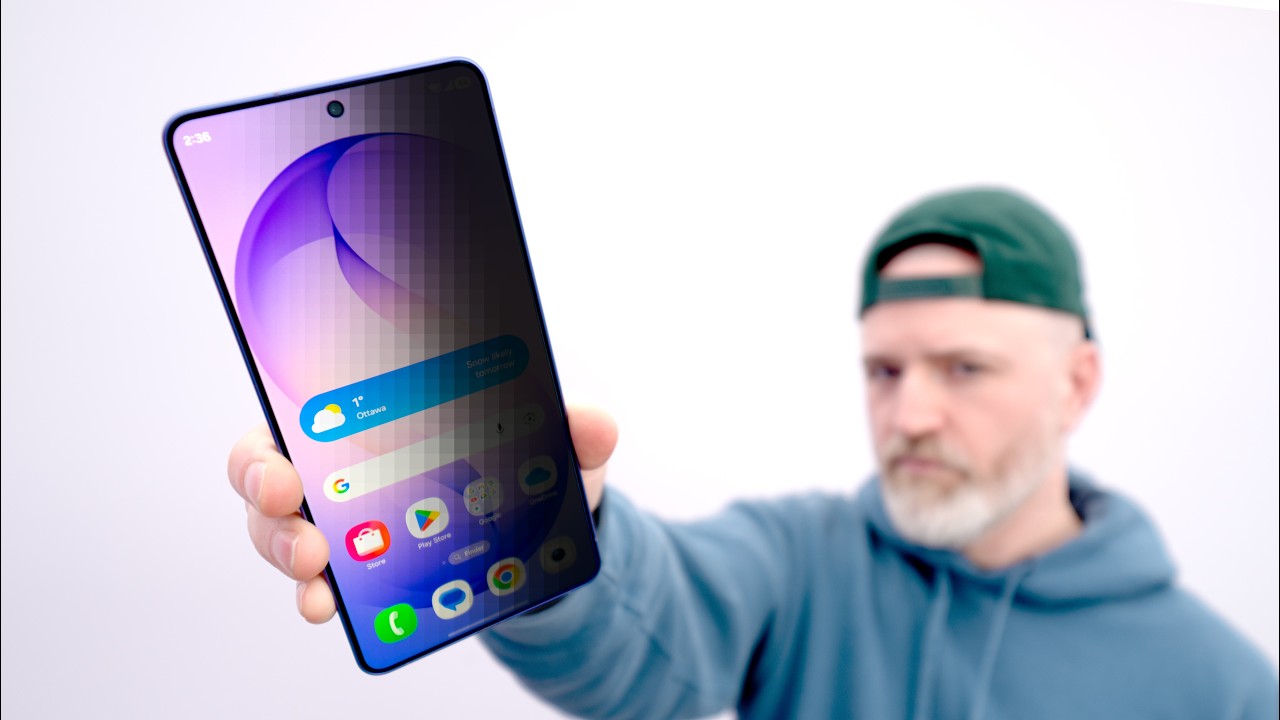
Samsung's New Secret Screen (Samsung Galaxy S26 Ultra Unboxing)
"Wow, there's even a maximum setting, which is what? Even crazier." [00:02:15]
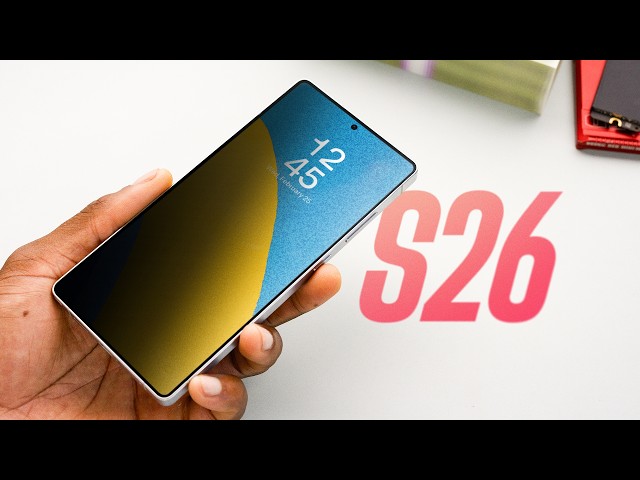
Samsung Galaxy S26/Ultra Impressions: 1 Crazy Display Feature!
"So this comes with a bump up in base storage. So if you remember, last year the S25 launched at $799 and was 128 gigs. This year, the S26 is $899, but it's also 256 gigs." 00:15:40
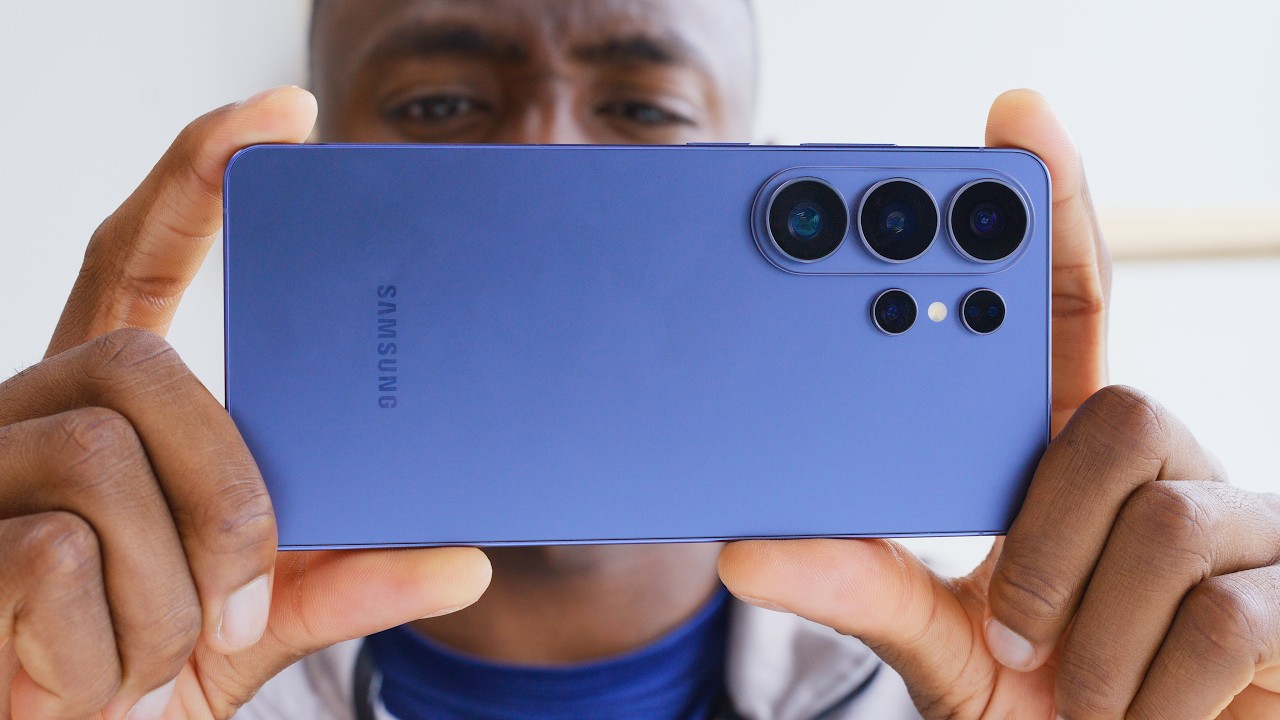
Samsung Galaxy S26 Ultra Review: There's a Catch
"This is a genuinely... useful... innovation. It's really, it's special that it's actually a new hardware feature, which we really don't get that often in the smartphone world these days." [00:03:12]
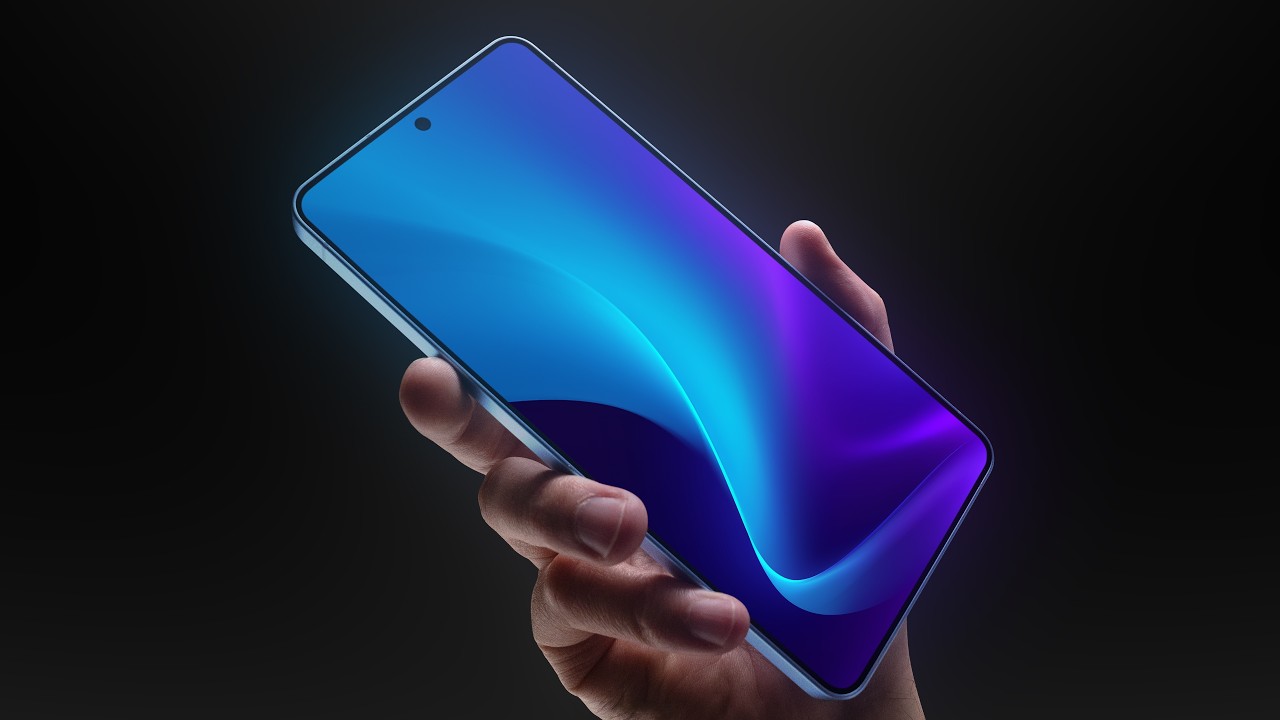
Samsung Galaxy S26 Ultra - The Magic Screen
""privacy display is on for everything, whether you're watching shows or in your email, it's on for every single thing."" [00:04:25]