
Dansky
I help designers master real-world skills and confidently design at a professional level.
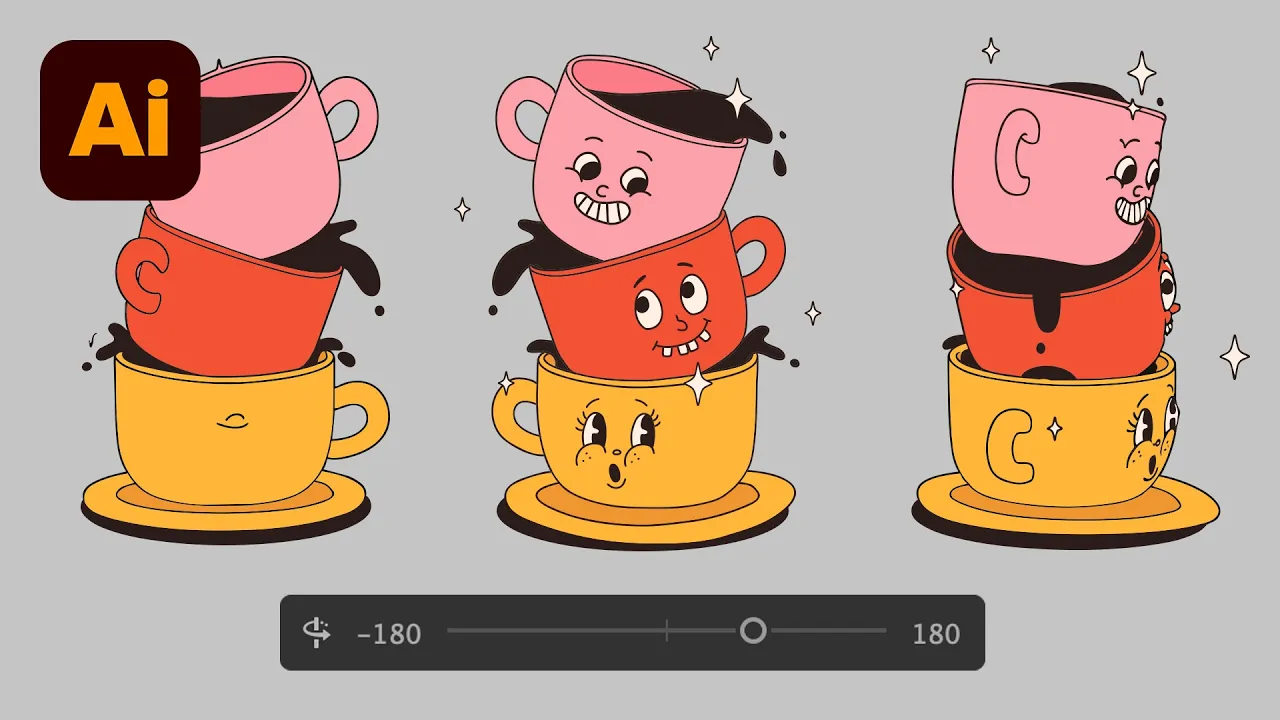
I can’t stop using this in Illustrator
The video showcases Illustrator's beta turntable feature now supporting both vector and raster images, enabling 360 views, GIF exports, and improved rendering, with live demos on vectors, JPEGs, and text. It highlights how to access the feature, generate multiple angles, edit and export, and previews upcoming improvements.
Creating a Pokemon card in Photoshop Live
The video follows a Friday live stream where the creator blends food talk with a deep dive into designing a Pokemon trading card in Photoshop and Illustrator, sharing workflows, experiments with AI, and layout decisions. It covers setting up the canvas, wireframing, coloring, icon design, typography, and preparing for print while debating workflow and style choices.
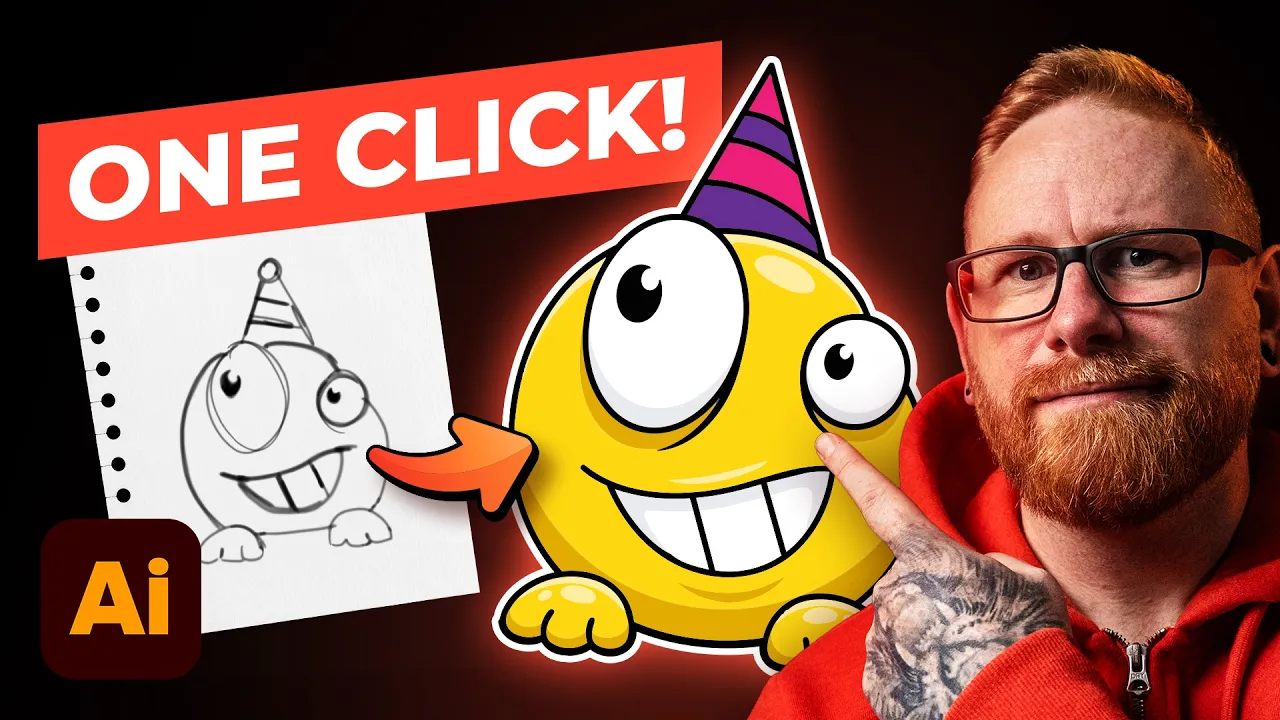
This new Illustrator feature is wild!
The video demonstrates turning a rough sketch into a clean vector in Illustrator beta using a sketch to vector feature and AI-assisted coloring, with tips on refining results and managing edits.
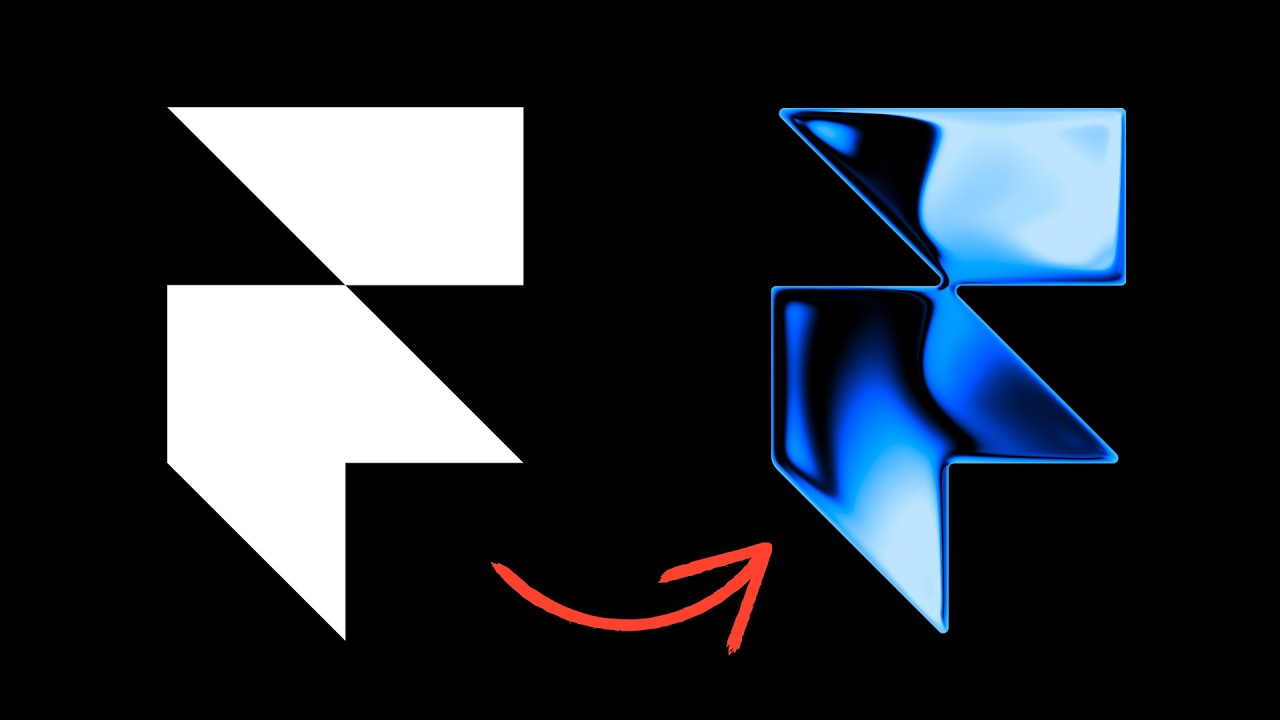
This feels like cheating
The video demonstrates how Framer's real-time shaders can elevate designs by adding gradient, image, and effect animations that are fully configurable and responsive. It walks through applying different shader categories, adjusting positioning and colors, and previewing changes live.

Turning a basic drawing into a 3D character in Photoshop - Round 2
A live stream where the creator revisits Pokemon inspired digital painting, demonstrates a mix of traditional brushing and AI assisted refinements, and shares design tips and reflections on AI in creative work.

Turning a basic drawing into a 3D character in Photoshop
A live stream where the creator walks through building a Jolton Pokemon illustration from initial concept to colored shading, using Illustrator for line work, Photoshop for shading, and AI tools like Firefly for references, while actively discussing workflow and tools with the audience.
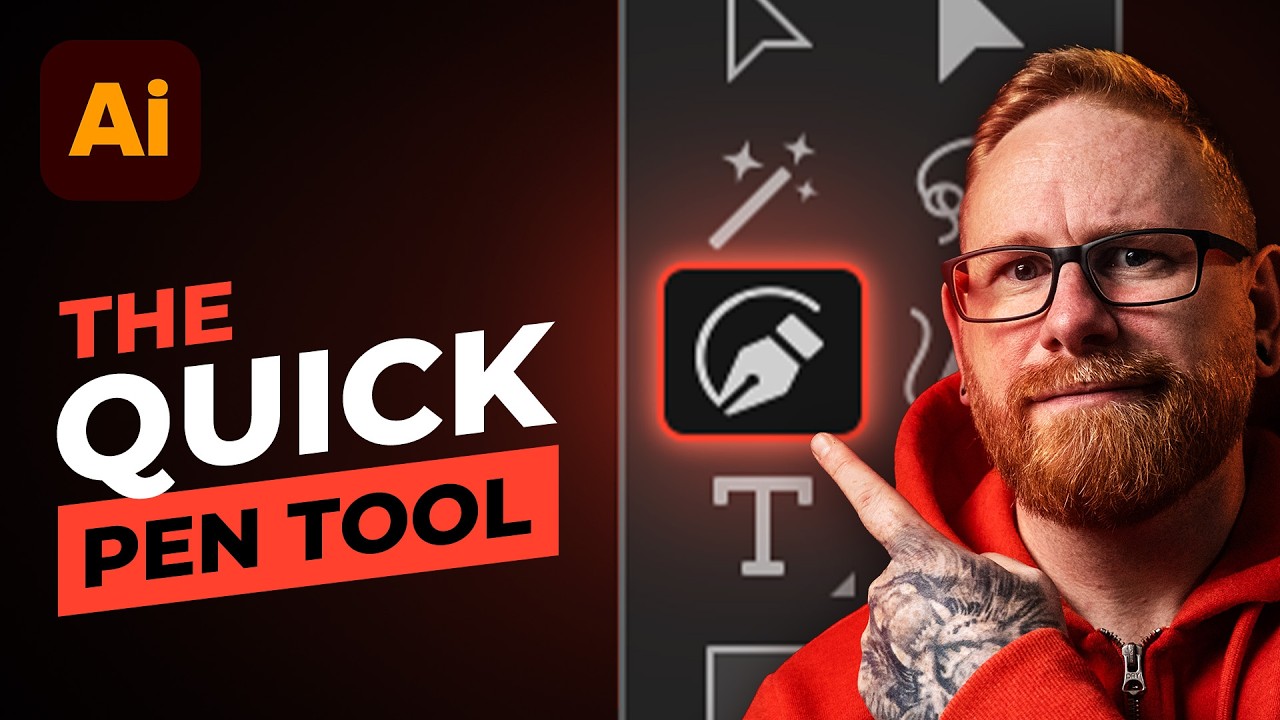
Illustrator's Quick Pen Tool is amazing!
The video introduces Illustrator's beta Quick Pen Tool, demonstrating how to access it, switch between modes, and use it to create precise shapes, curves, and complex compositions with handy snapping, shaping, and coloring features. It also covers practical tips like gap detection, live paint, and recoloring workflows to streamline vector drawing.
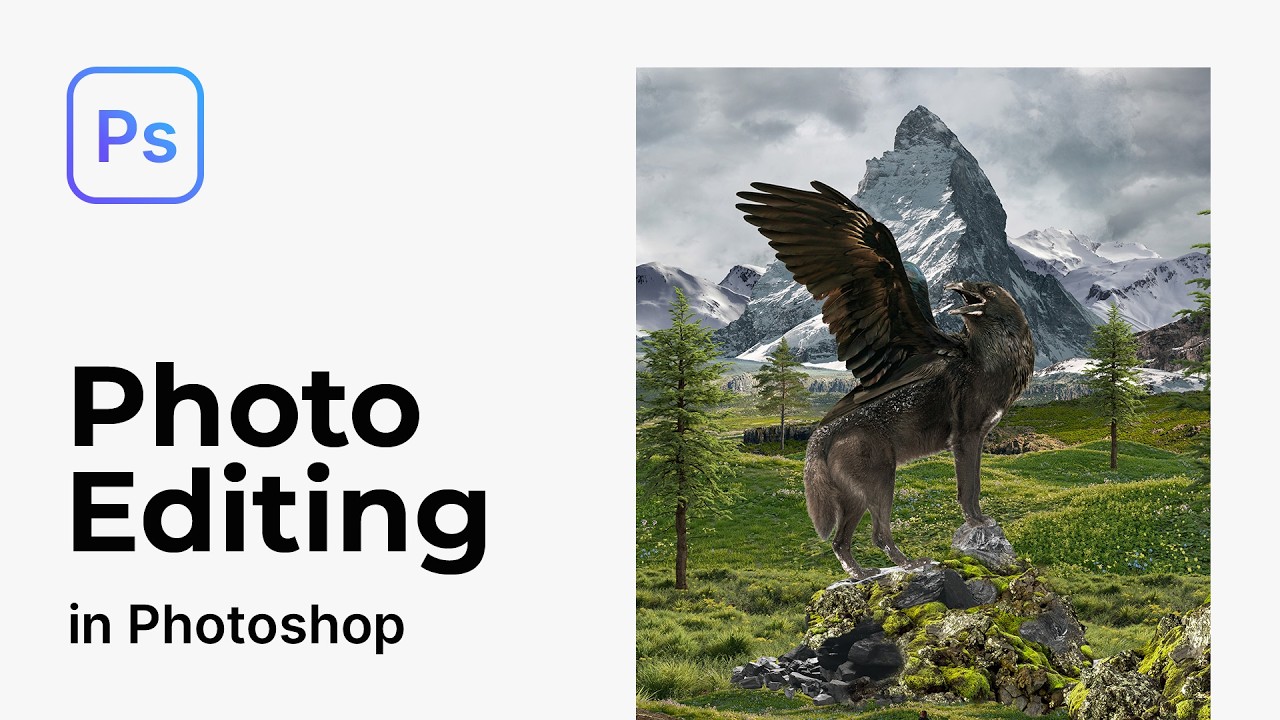
Advanced photo manipulation techniques in Photoshop
A live Photoshop stream where the host walks through building a complex fantasy scene, detailing lighting, shadows, layering, and iterative refinements, while interweaving personal anecdotes and tips for learning the toolset. The session blends practical technique with creative exploration and audience interaction.
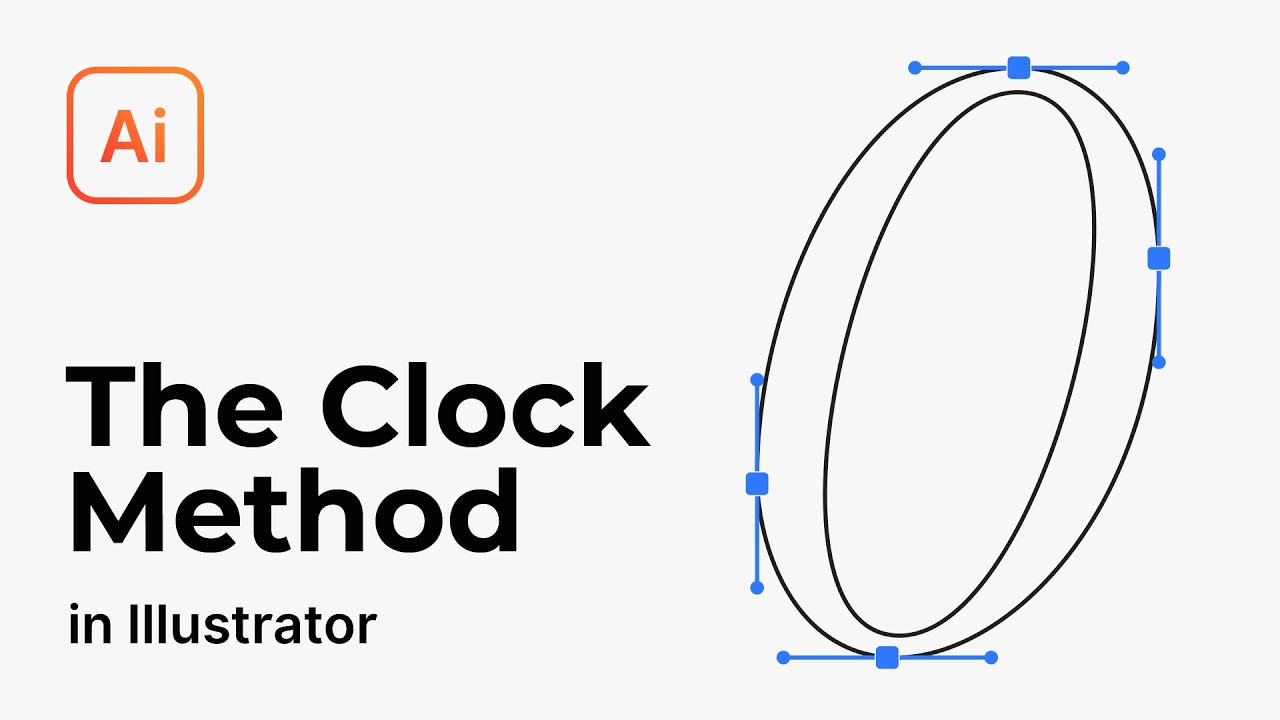
The "clock method" makes Illustrator's Pen Tool easy
The video teaches an efficient way to use the pen tool in Illustrator by using the clock (90-degree) method, starting with basic pencil tool strokes and progressively building accurate anchor points to create smooth curves, including a practical cat illustration.


Get daily AI recaps from
Dansky in your inbox
Get AI-powered summaries delivered to your inbox. Save hours every week while staying fully informed.