
Christopher Lawley
This channel is all about doing more with the devices you already have. Whether it's taking better photos with your iPhone, using your iPad for productivity, getting more out of your Mac, or building custom automations to help with your tasks. I cover everything from apps to interesting gadgets, new tech, and more. I started this channel in 2016 with a series called App Walkthrough. The channel grew from that, and I have covered topics like making the iPad my main computer, building custom Shortcuts automations, and weird and interesting tech gadgets. There is so much to explore, so be sure to subscribe.
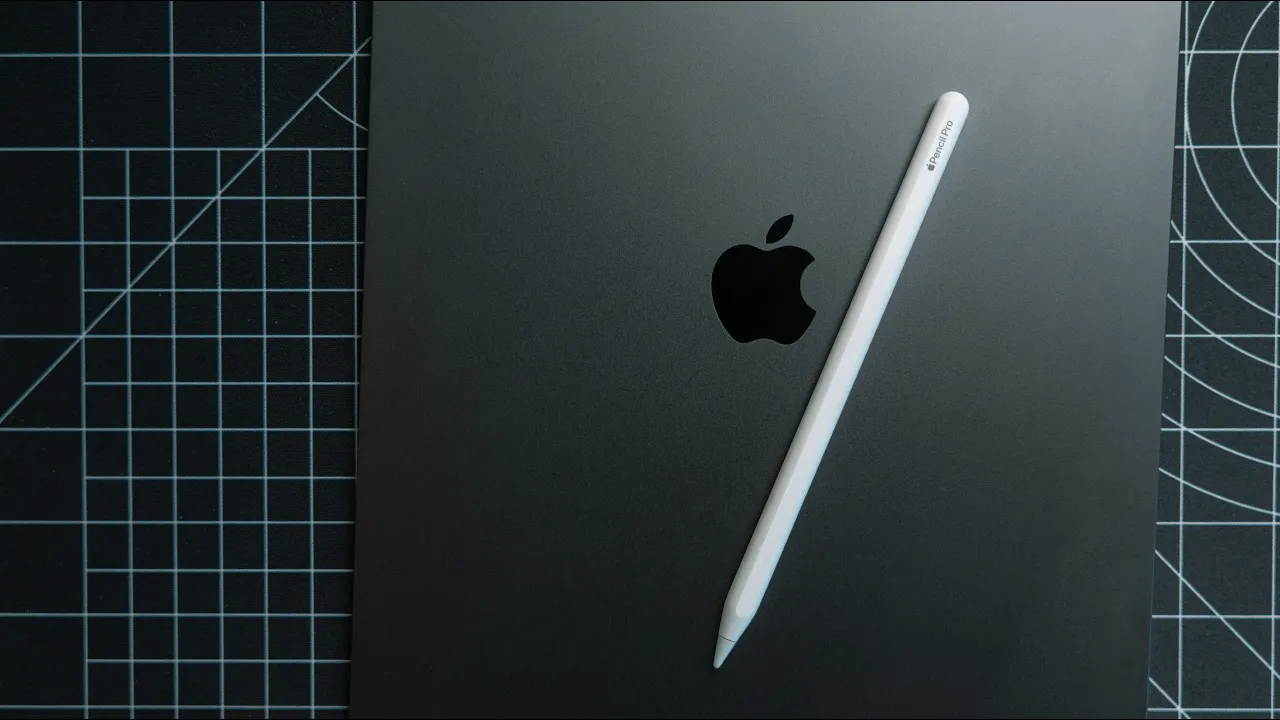
Apple Pencil for Non-Artists
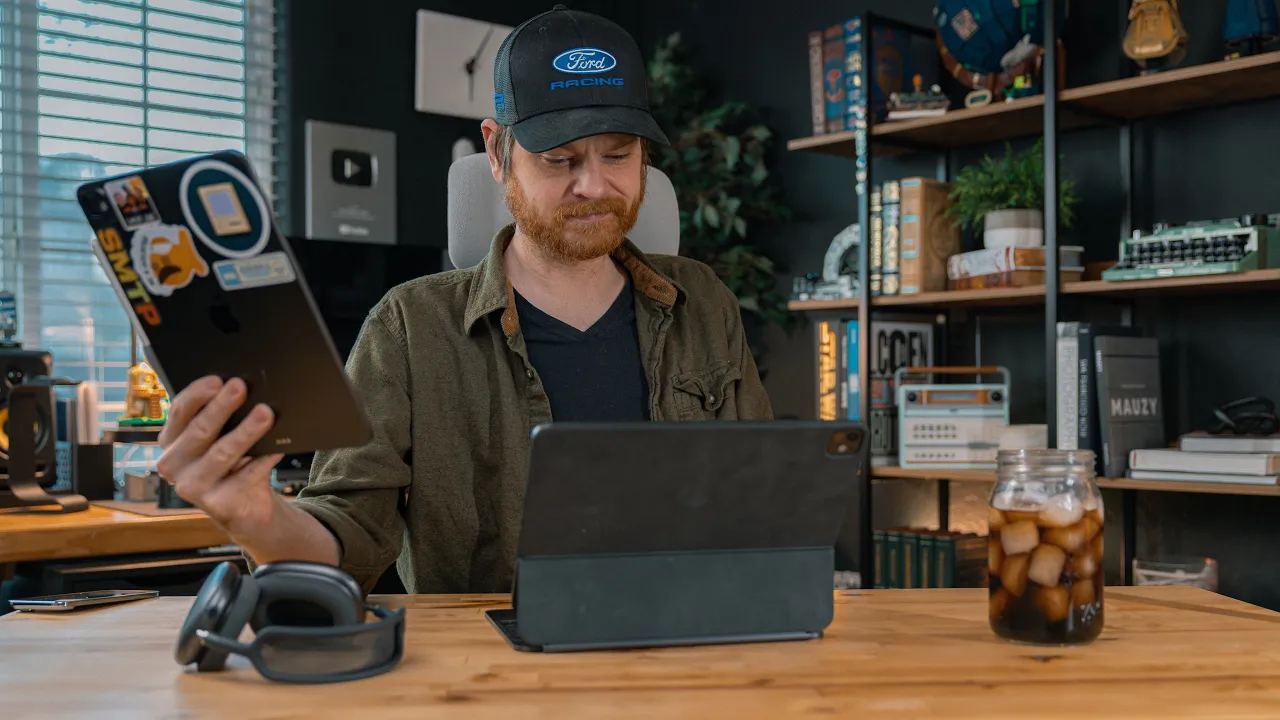
A non-artist presenter demonstrates how the Apple Pencil expands iPadOS beyond drawing, highlighting features like Smart Script to clean up handwriting, MathNotes for handwritten equations, and Scribble for converting handwriting to text, along with practical uses such as shape recognition and Quick Notes. The video also showcases Notability’s notes and transcription features, integration with Notes and system-wide tools, and tips for using the Pencil on lock screen notes and PDFs.
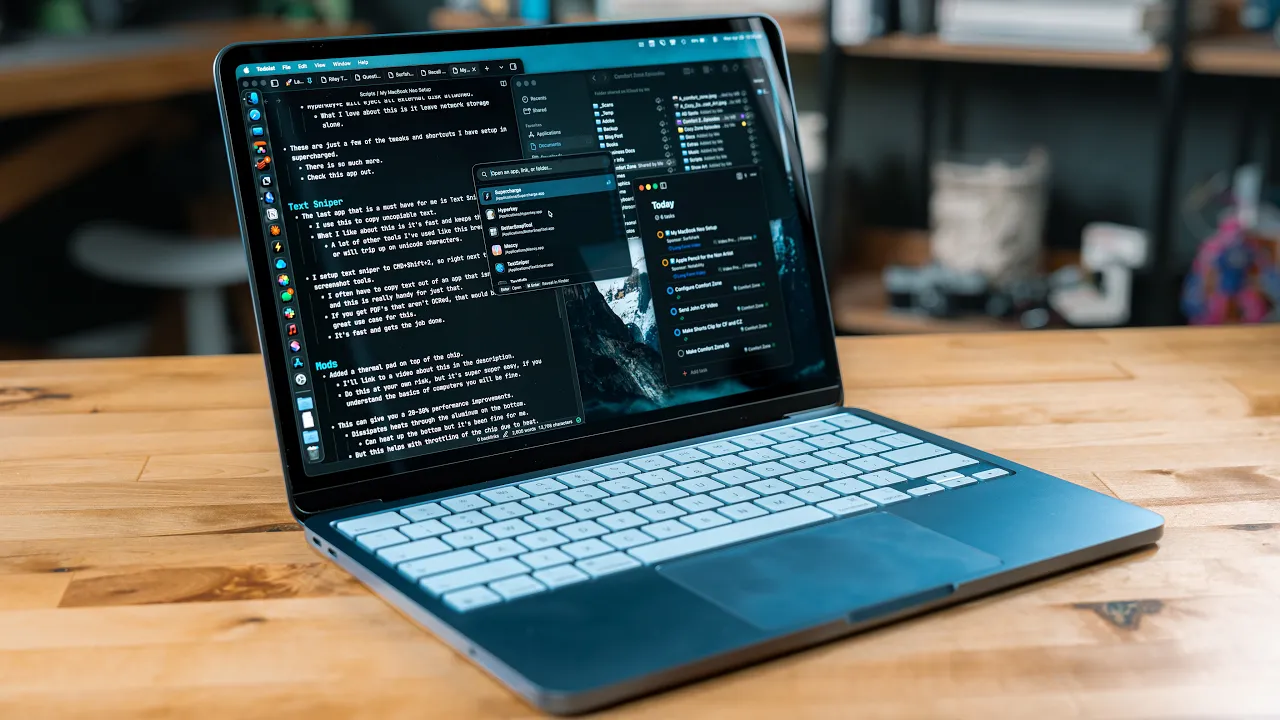
My MacBook Neo Setup: Apps, Tweaks & Mods
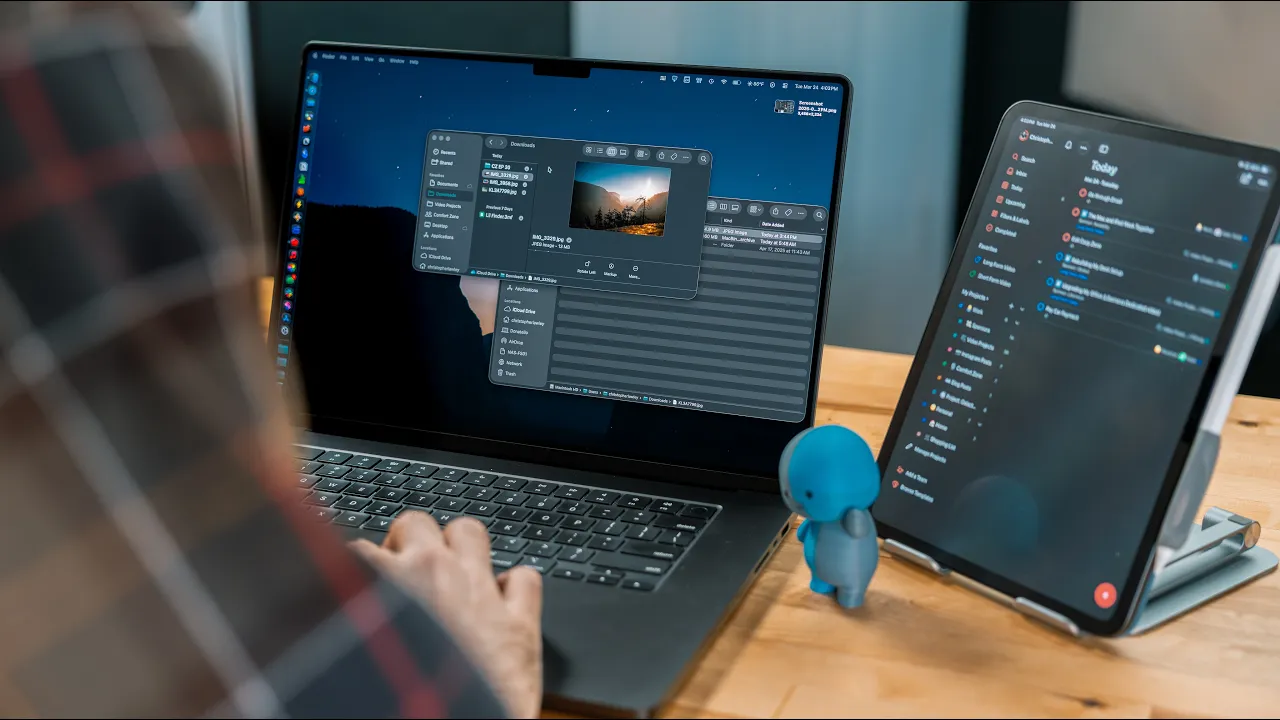
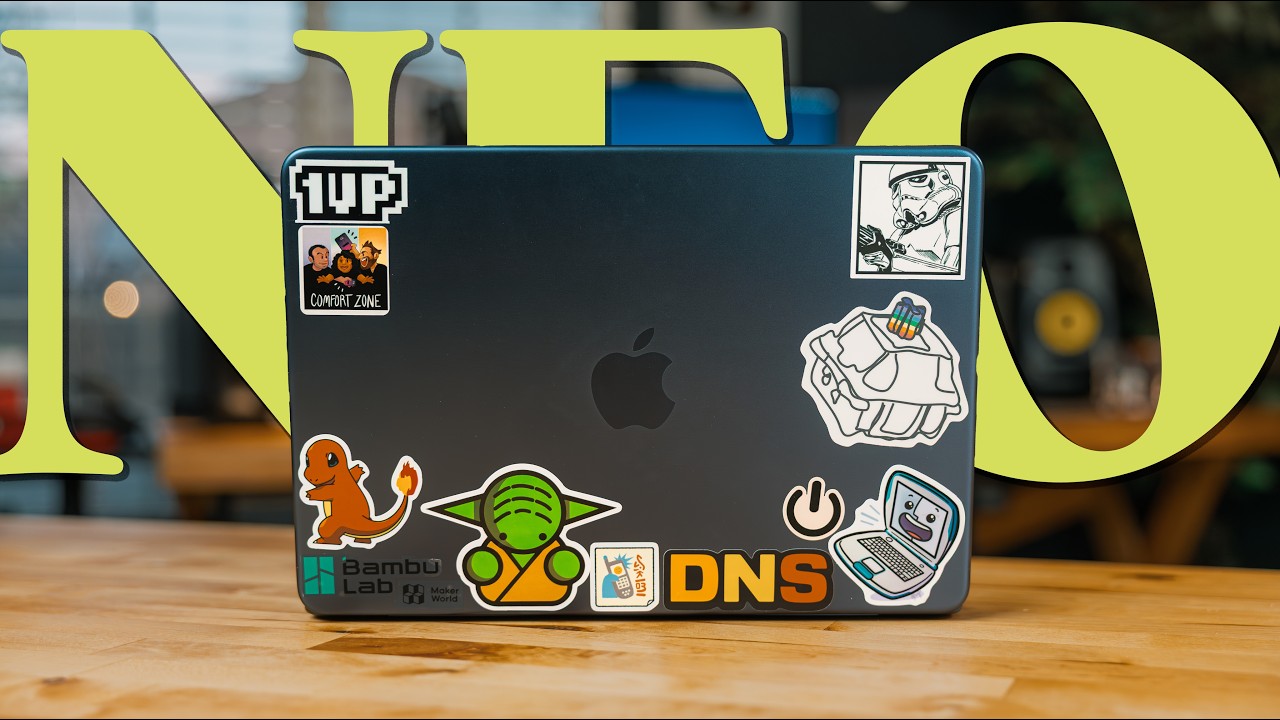
The video details how the creator optimizes the MacBook Neo for on-the-go use with lightweight apps and custom keyboard shortcuts, replacing Spotlight with TinyStart and using HyperKey, Supercharge, and a clipboard manager to keep things fast and focused. It also covers a small hardware modification (thermal pad and stickers), and macOS tweaks (dock behavior, display settings, iCloud Desktop, and task/workflow tweaks) to squeeze performance and productivity from the device. The creator also endorses Surfshark for external-network security and invites viewers to share their own setup ideas in the comments.


Get daily AI recaps from
Christopher Lawley in your inbox
Get AI-powered summaries delivered to your inbox. Save hours every week while staying fully informed.